Clearing variables
The Clear variables component allows you to clear variables quickly.
The component can work in two modes:
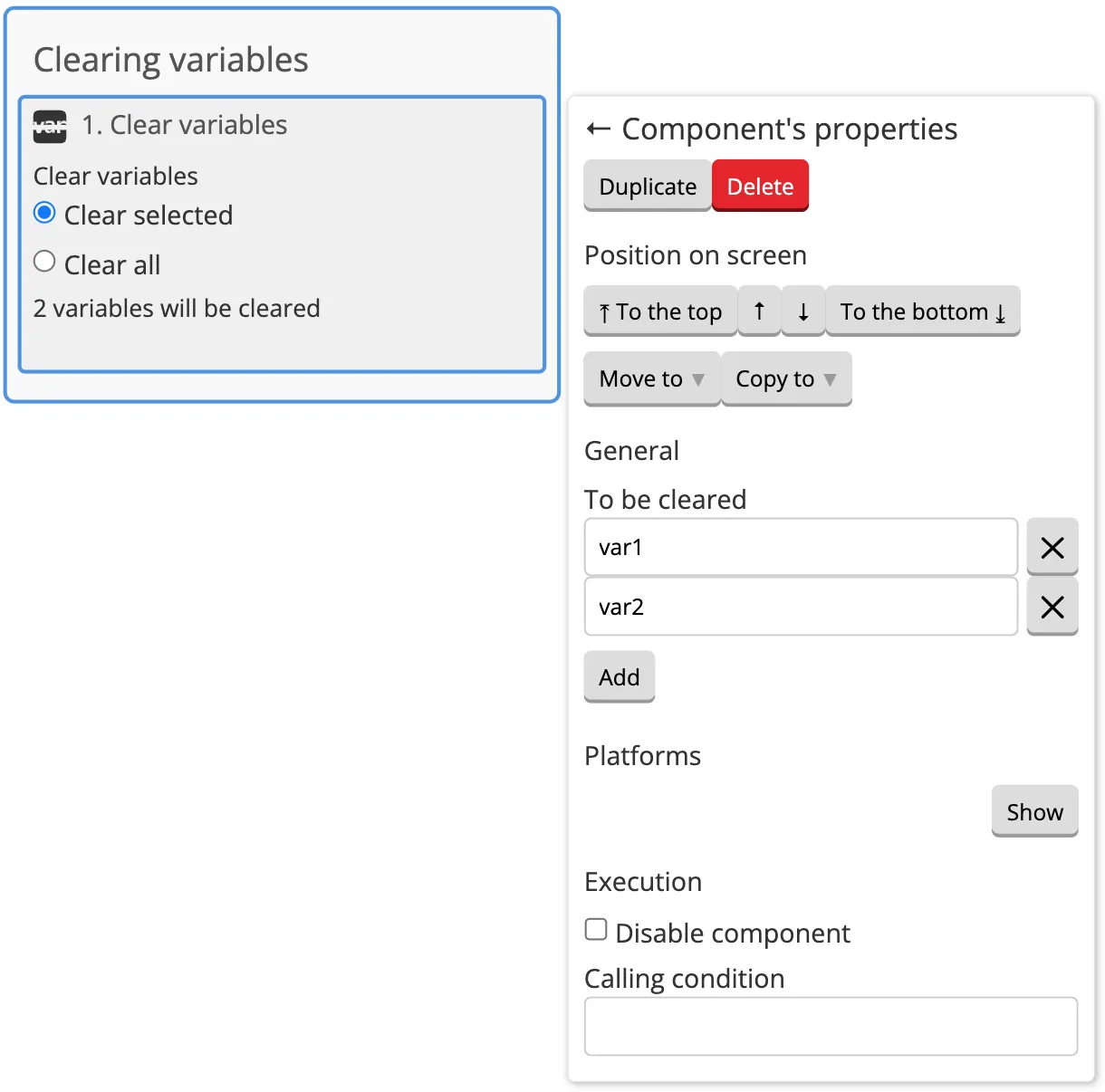
1. Clear the selected variables. You just need to specify which variables should be cleared, and the component will delete them. You can also use templates if the choice of variables depends on some conditions.
2. Clear all user variables. You can also specify several variables that are not supposed to be cleared. This will be useful if you need to clear all variables, but keep tokens or access settings.
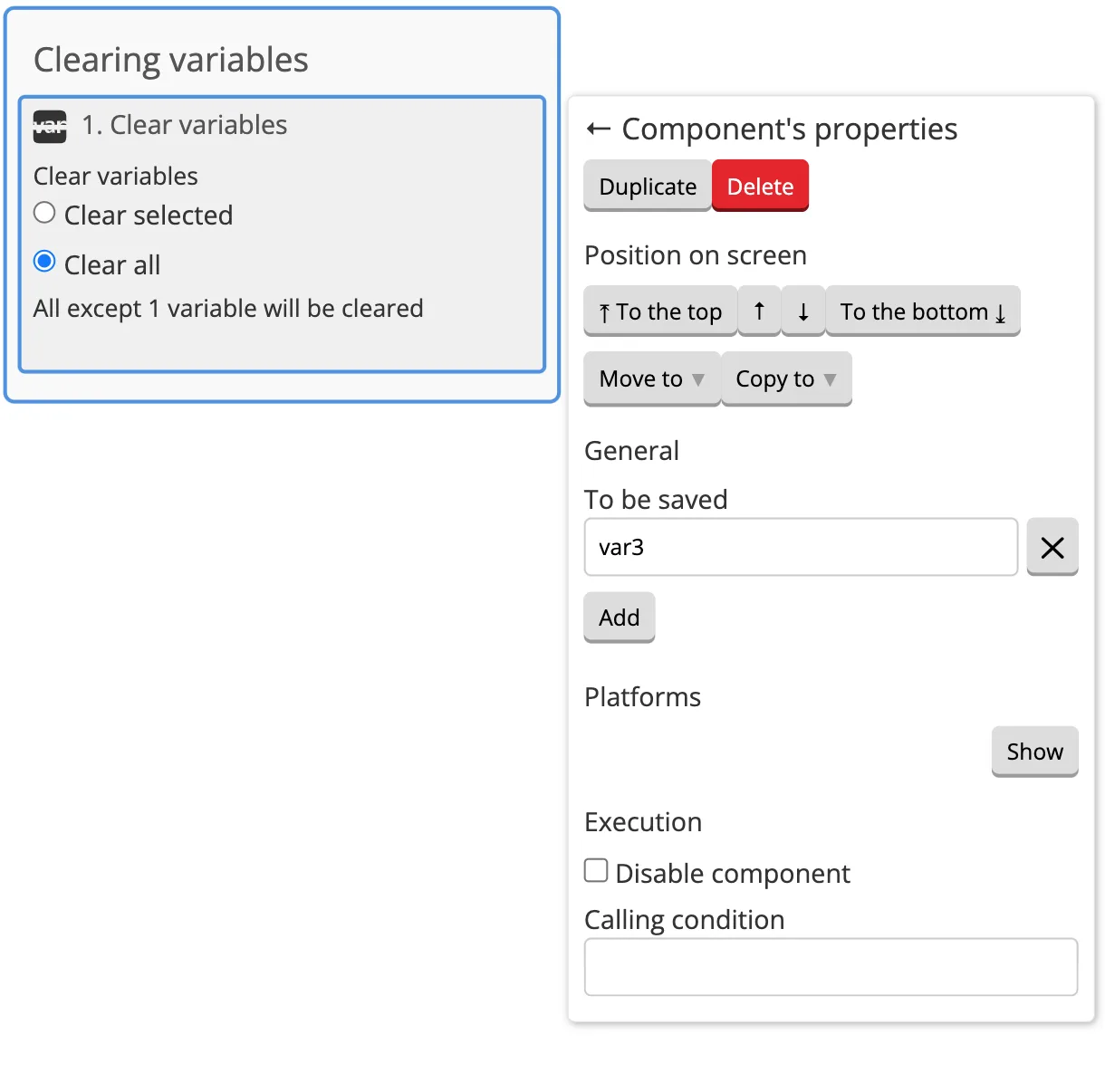
When clearing all variables, the default user variables are also deleted. These variables will appear again if the user interacts with the bot after clearing.