Welcome message
The bot cannot write first but there are ways to overcome this limitation.
On Viber
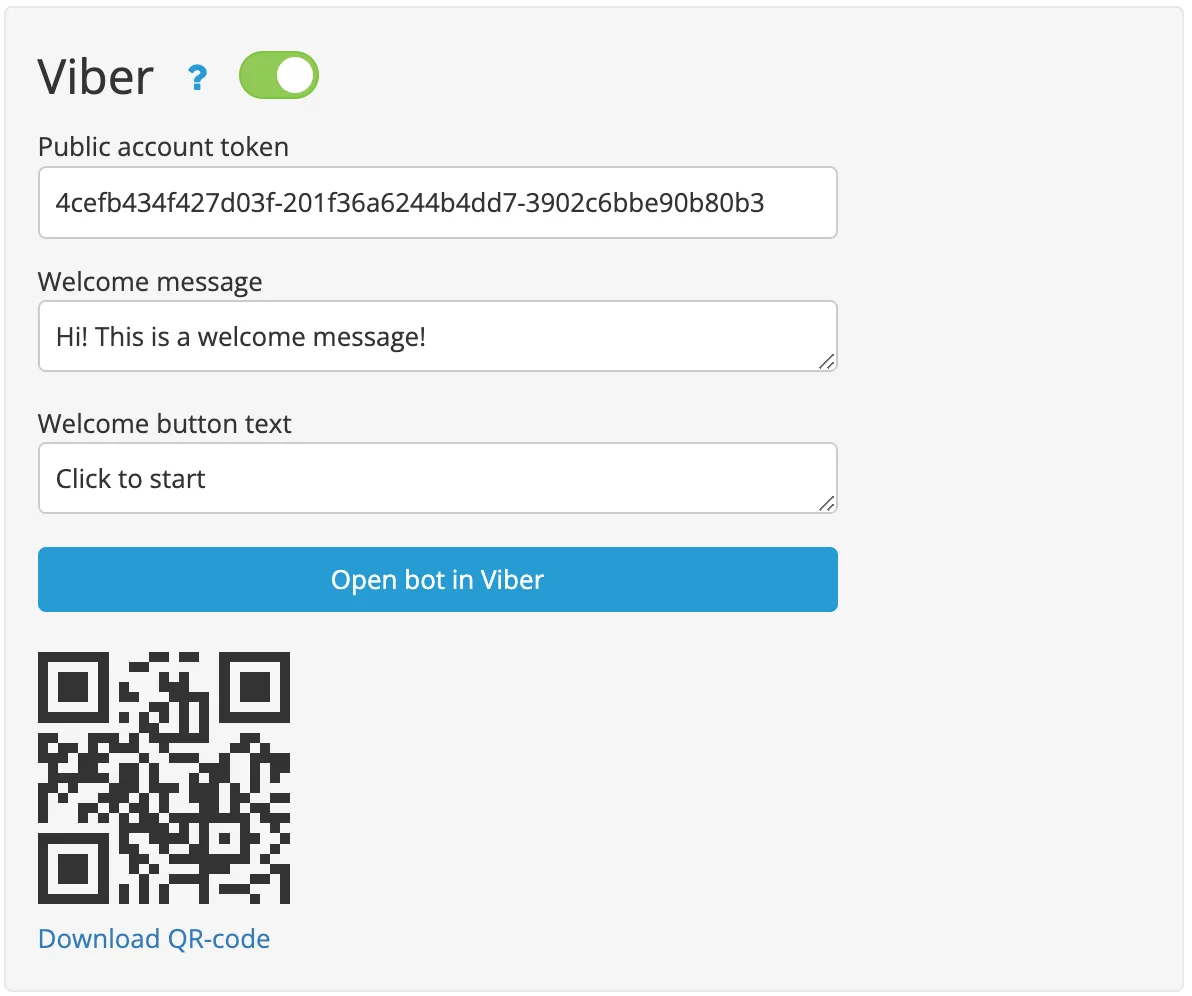
In the builder, on Settings page, specify a welcome message. In this case, the message will be sent as soon as the user opens the public account messages.
On WhatsApp
In the builder, on Settings page, specify a welcome message.
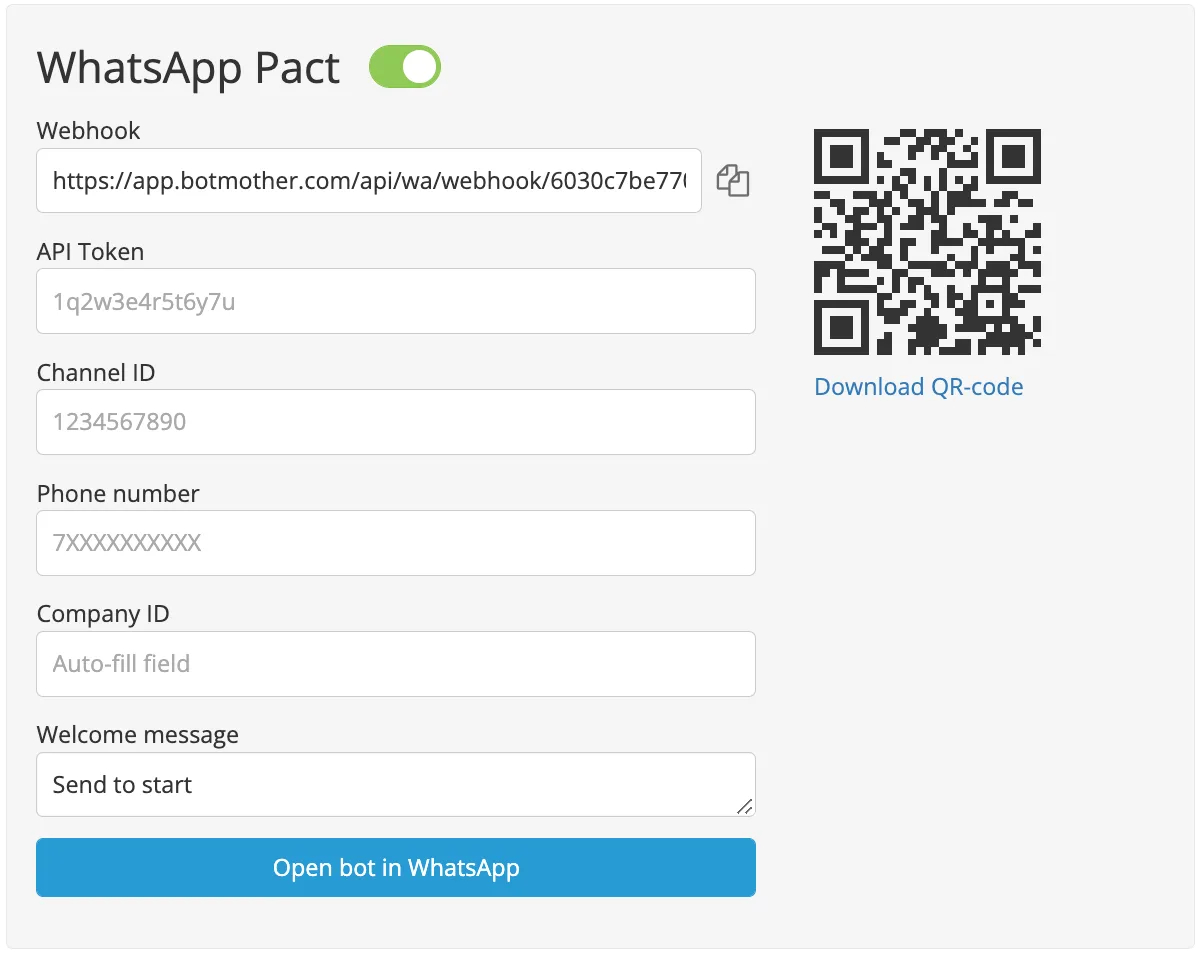
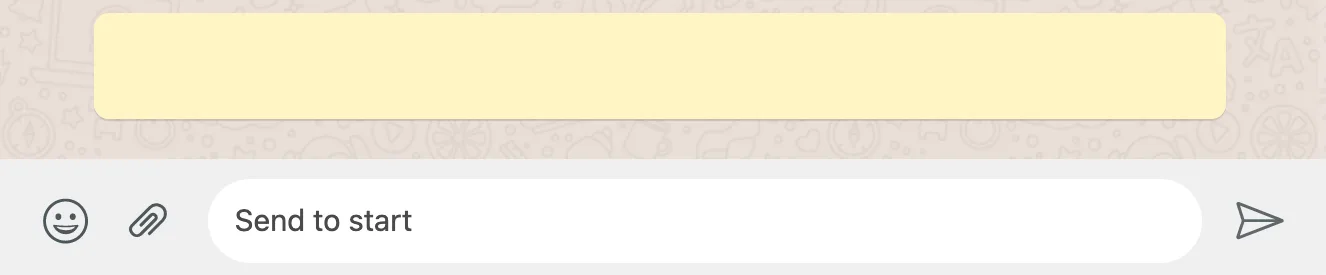
The welcome message text will be automatically added to the user's message set line as soon as he opens the bot. He will only have to click on the Send button.
On Facebook
- Go to Settings page in the Facebook community.
- Open the Messaging tab, scroll down
- Enable Show a greeting in Messenger, edit the text and save it.
