Timeout
The Timeout suspends the bot for a specified time. For example, it can give the user time to read the text.
It works in the time frame from 1 to 300 seconds. If you need to take a break between messages for longer than 5 minutes, use a Trigger event.
In the example, the user will switch to Screen 2 55 seconds after switching to Screen 1.
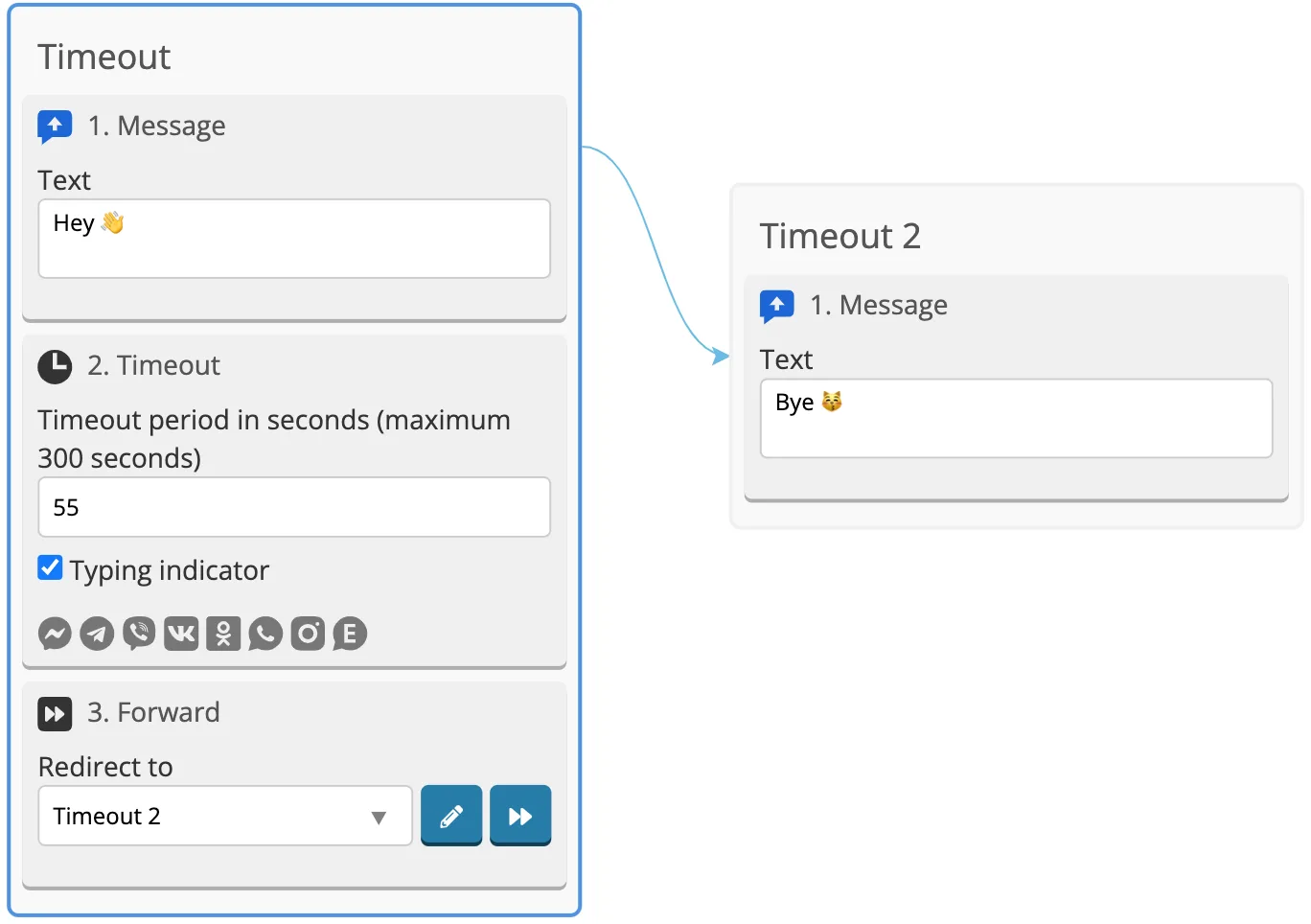
If you enable "Typing indication" function, the bot will simulate typing during a pause.