Import and export of bot users
Temporarily exporting and importing users is done through support.
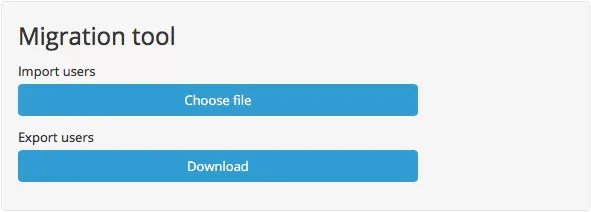
You can import and export users in Settings — Migration Tool.
Users' export
To export users, just click on "Download" button and wait for the file to download.
Users' import
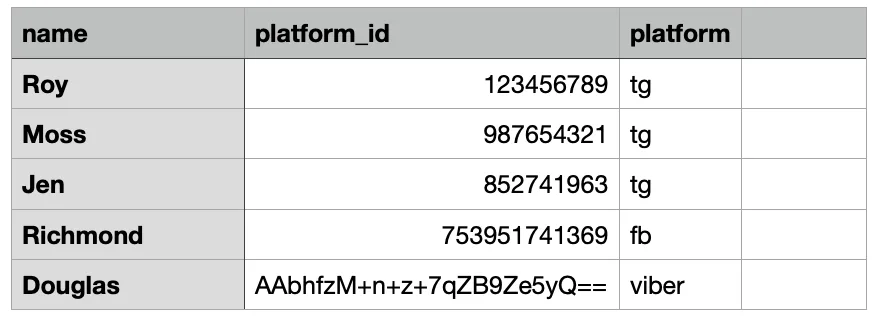
To import, you need to create a CSV table and upload it to Migration tool.
The CSV file must be in UTF-8 encoding.
Semicolon ";" should be used as the cell separator.
The column names must be specified in the first row of the table:
- The first column (the full name of the user in the messenger) — full_name.
- The second column (the user ID in the platform) — platform_id.
- The third column (the user's platform) — platform.
The user's platform is designated as follows (designation — platform):
- tg — Telegram
- viber — Viber
- fb — Facebook Messenger
- vk — Vkontakte
- ok — Odnoklassniki
- wa — WhatsApp PACT
- instagram — Instagram