How to pay or change for a subscription
All plans are on a subscription basis with monthly or annual renewal. You can cancel automatic payments at any time before the payment date.
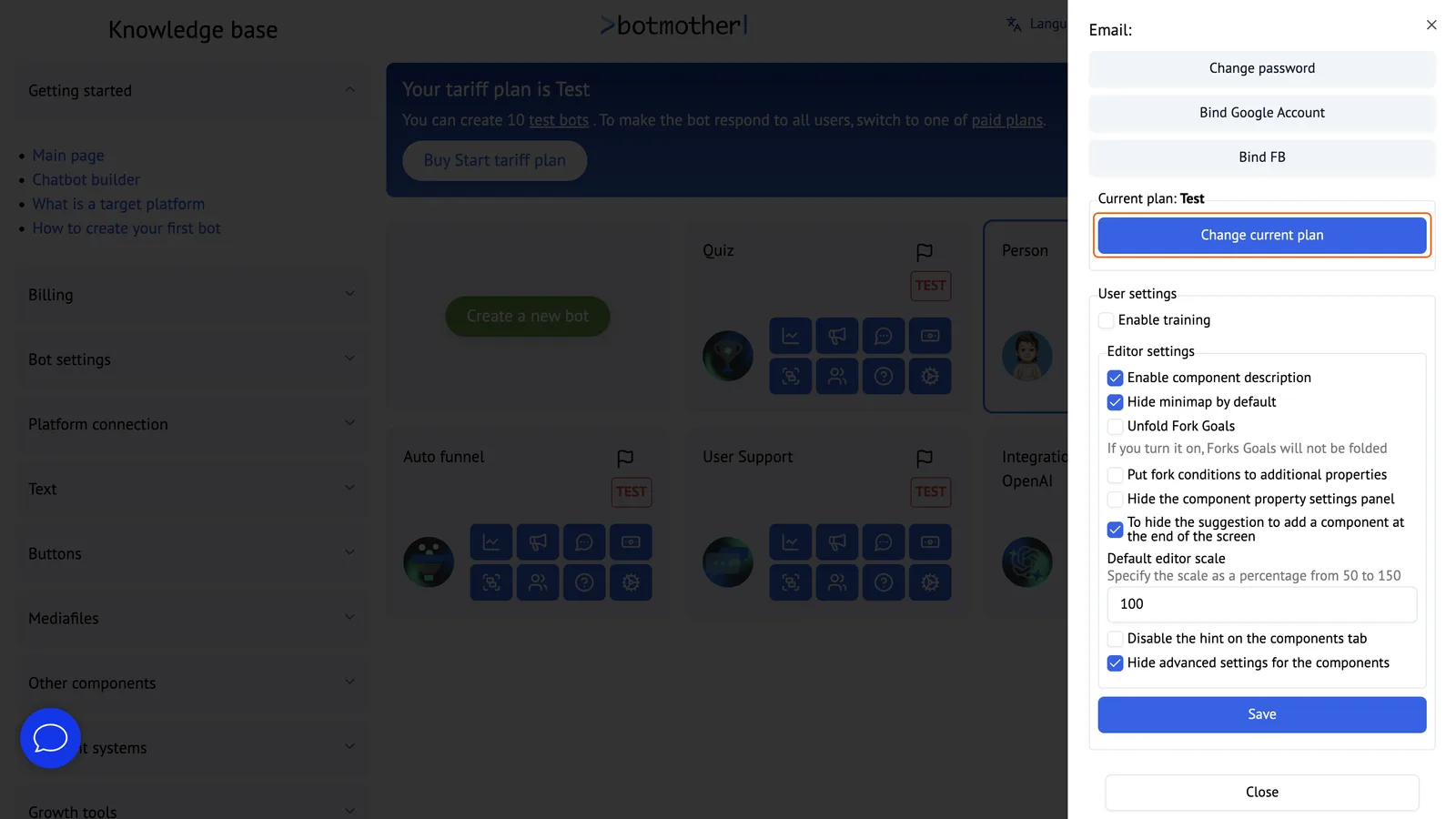
To pay or change your plan, go to your profile and click on the button "Change current plan".
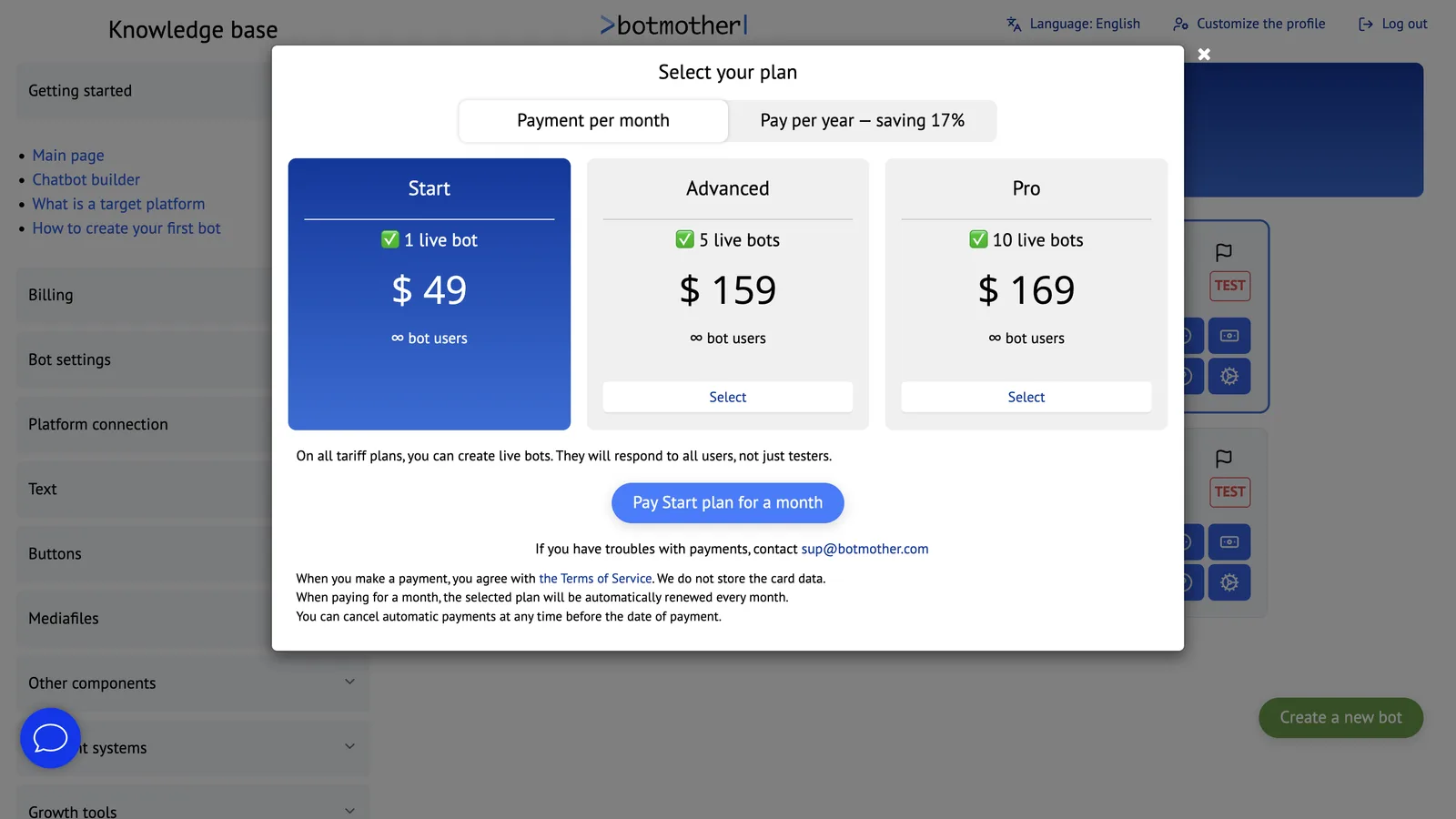
In the opened window, select a plan and click on "Pay".
You can choose to pay for a month or a year.
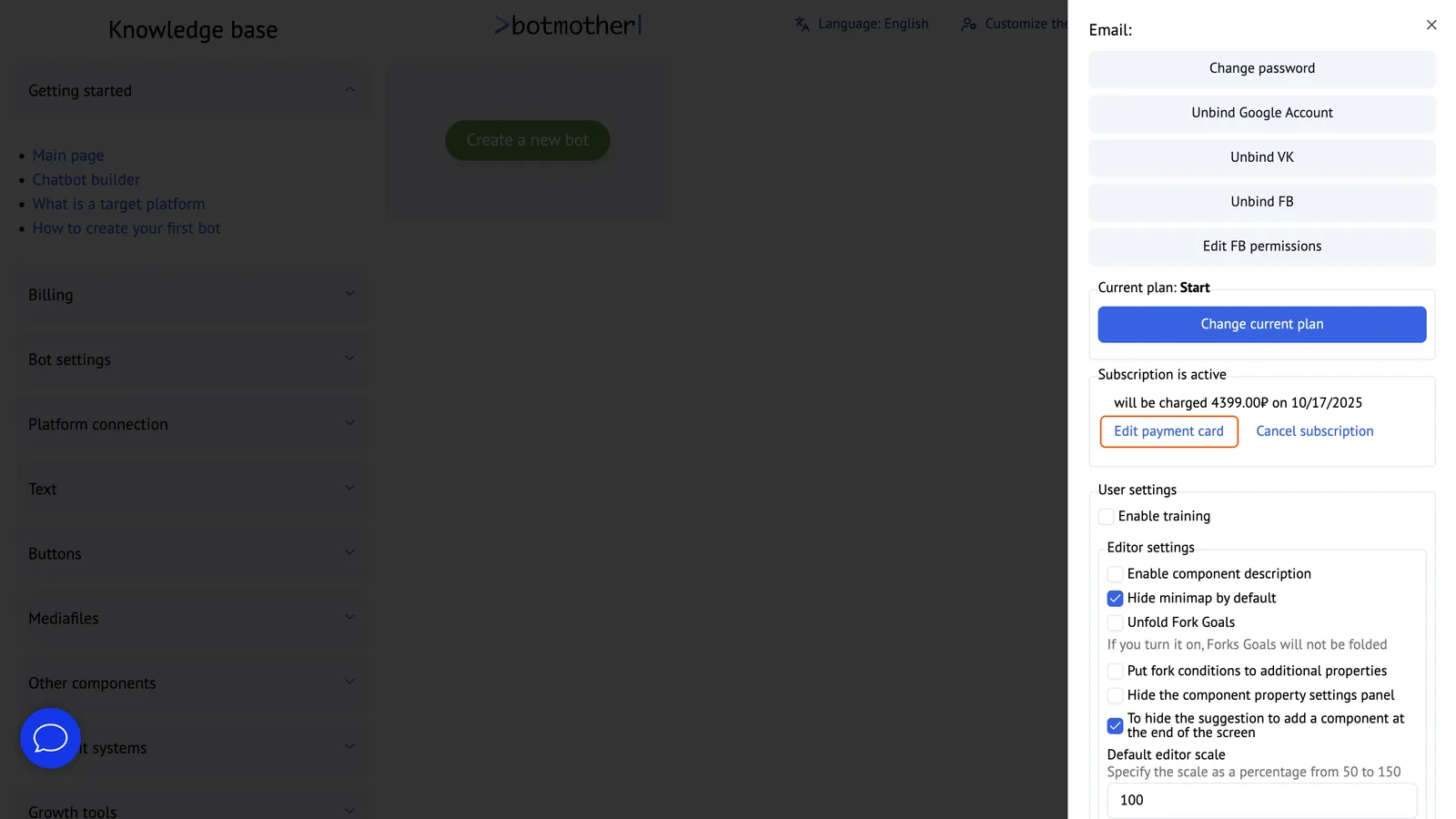
If you already have an active subscription, you can link another card.