Quiz Bot Template 🏆
Engage your audience with interactive quizzes—no coding required.
Who Can Benefit from This Template?
-

Marketers
Run promotional campaigns where users can win discounts, prizes, or bonuses by answering quiz questions. -

Retailers and E-commerce
Introduce your product range interactively. Quiz responses can help suggest the most suitable products to customers. -

Educational Platforms
Conduct interim tests, gather feedback, or organize student competitions with rewards. -

HR and Recruiters
Let candidates answer job-related questions and evaluate their fit.
How the Quiz Bot Works in Telegram
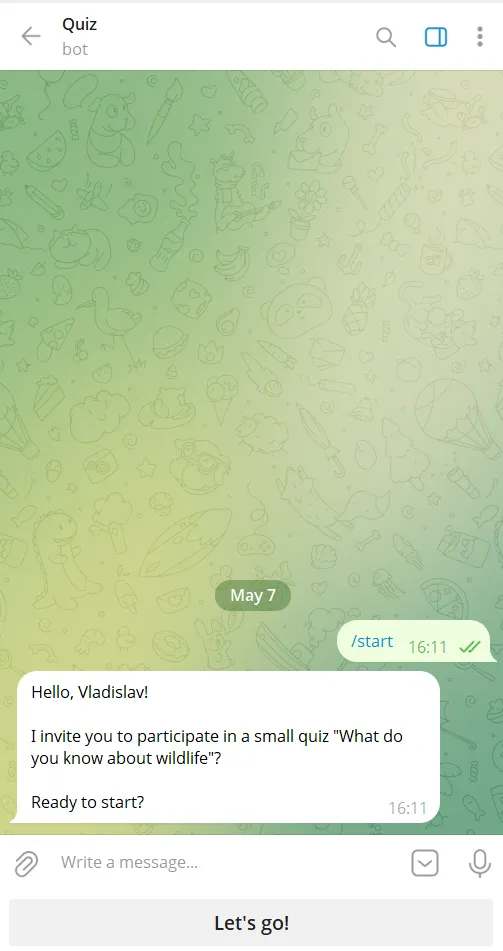
Greeting
Bot welcomes the user and offers to take the quiz.
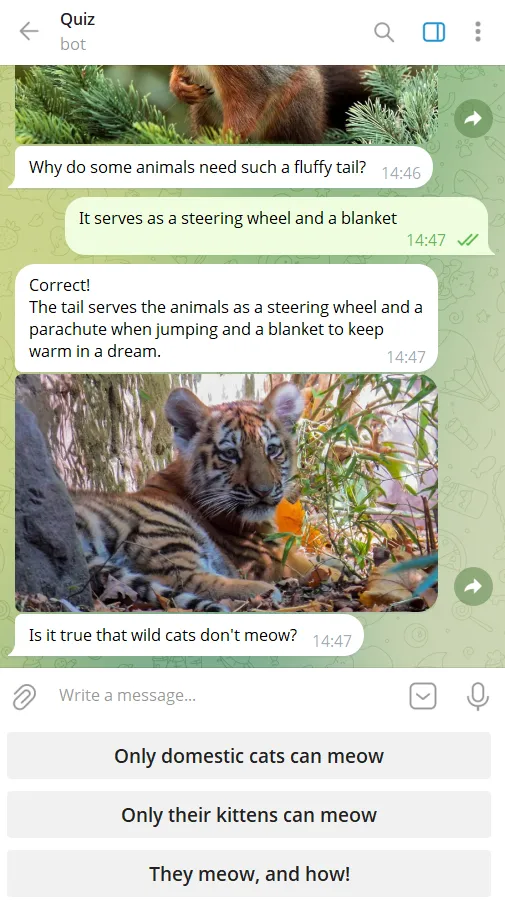
Question Flow
Bot sends questions (can include images). Answers appear as buttons.
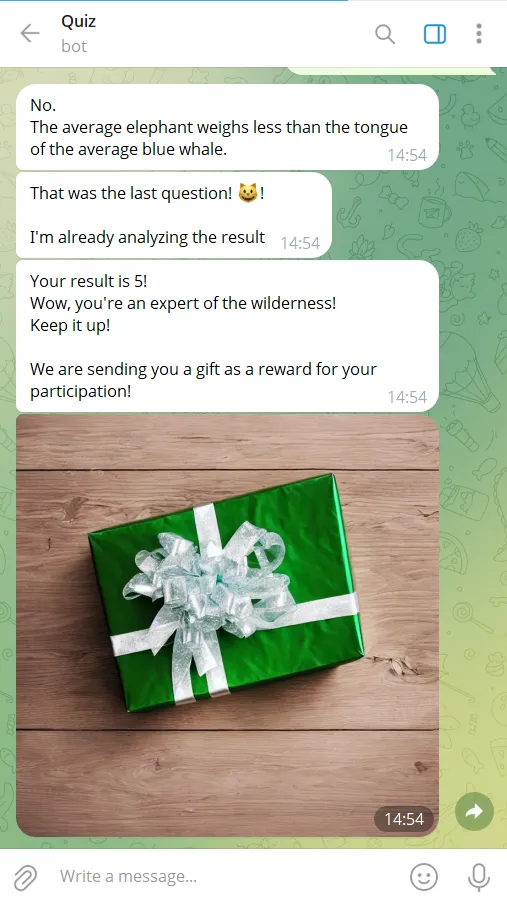
Quiz Results
After final question, bot calculates score and shows results.
Getting Started is Easy
Create your own chatbot from the template in 15 minutes.
-
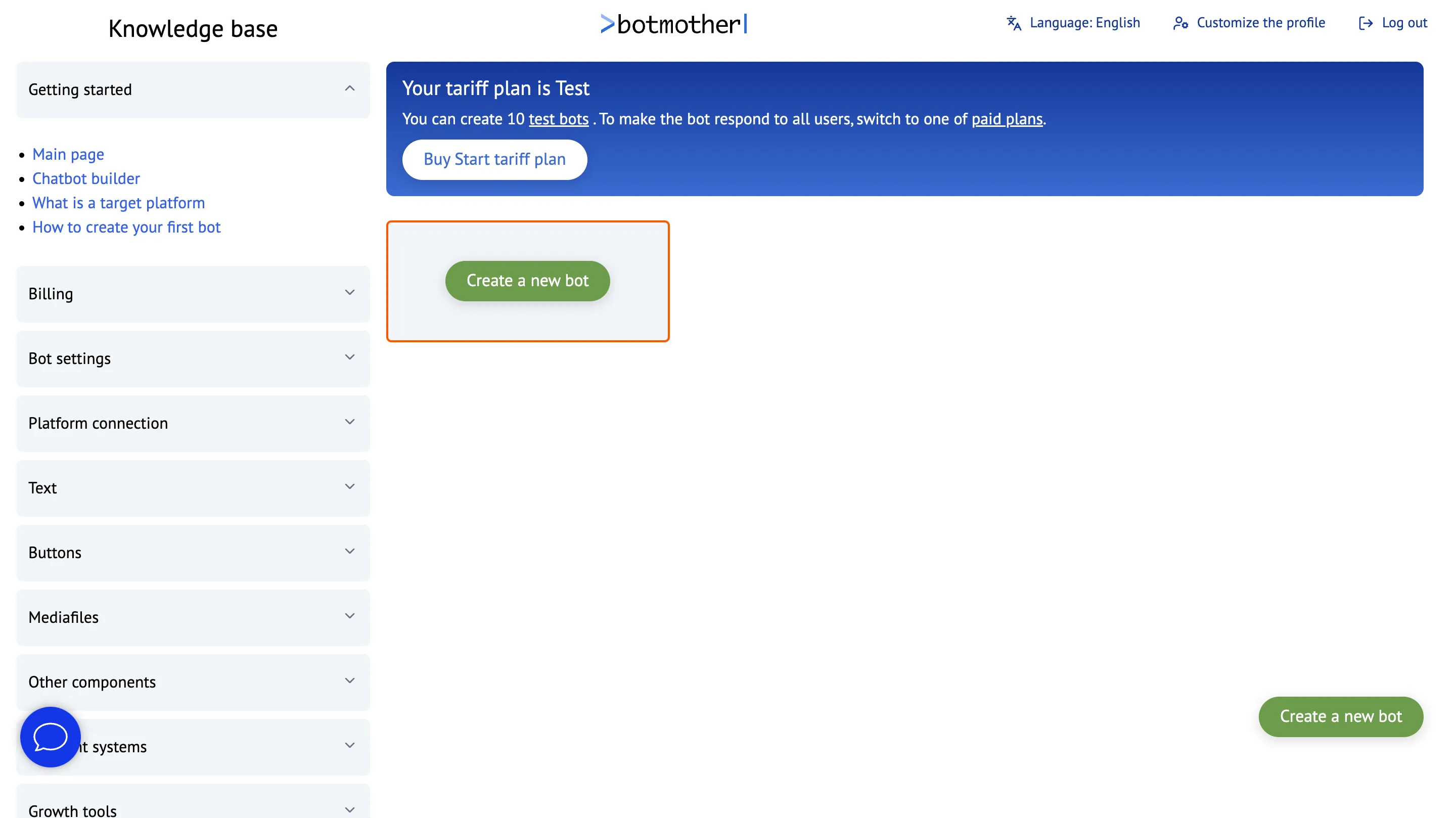
Sign up on Botmother
-
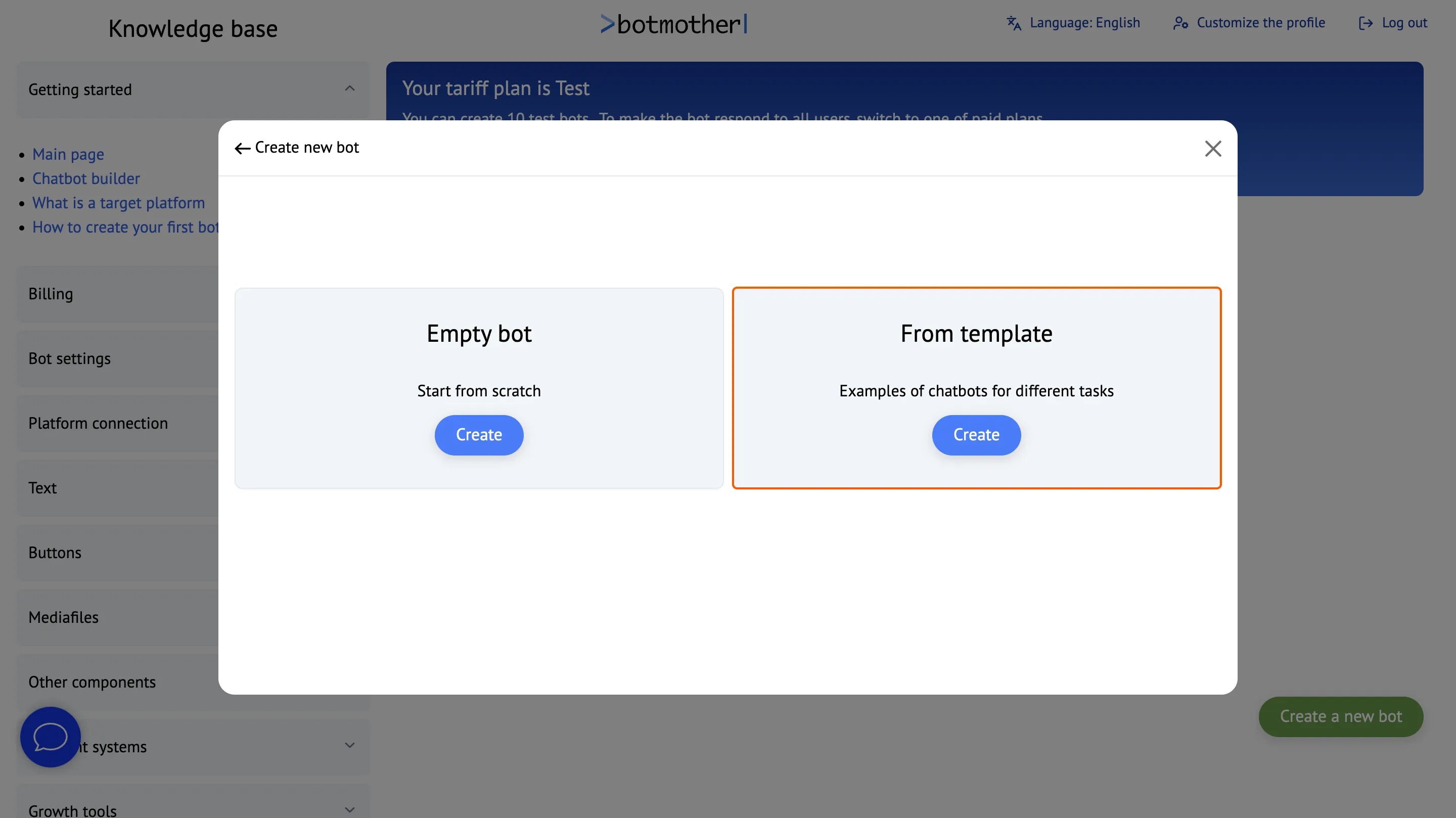
Click «Create New Bot»
-
Create a bot from a template
-
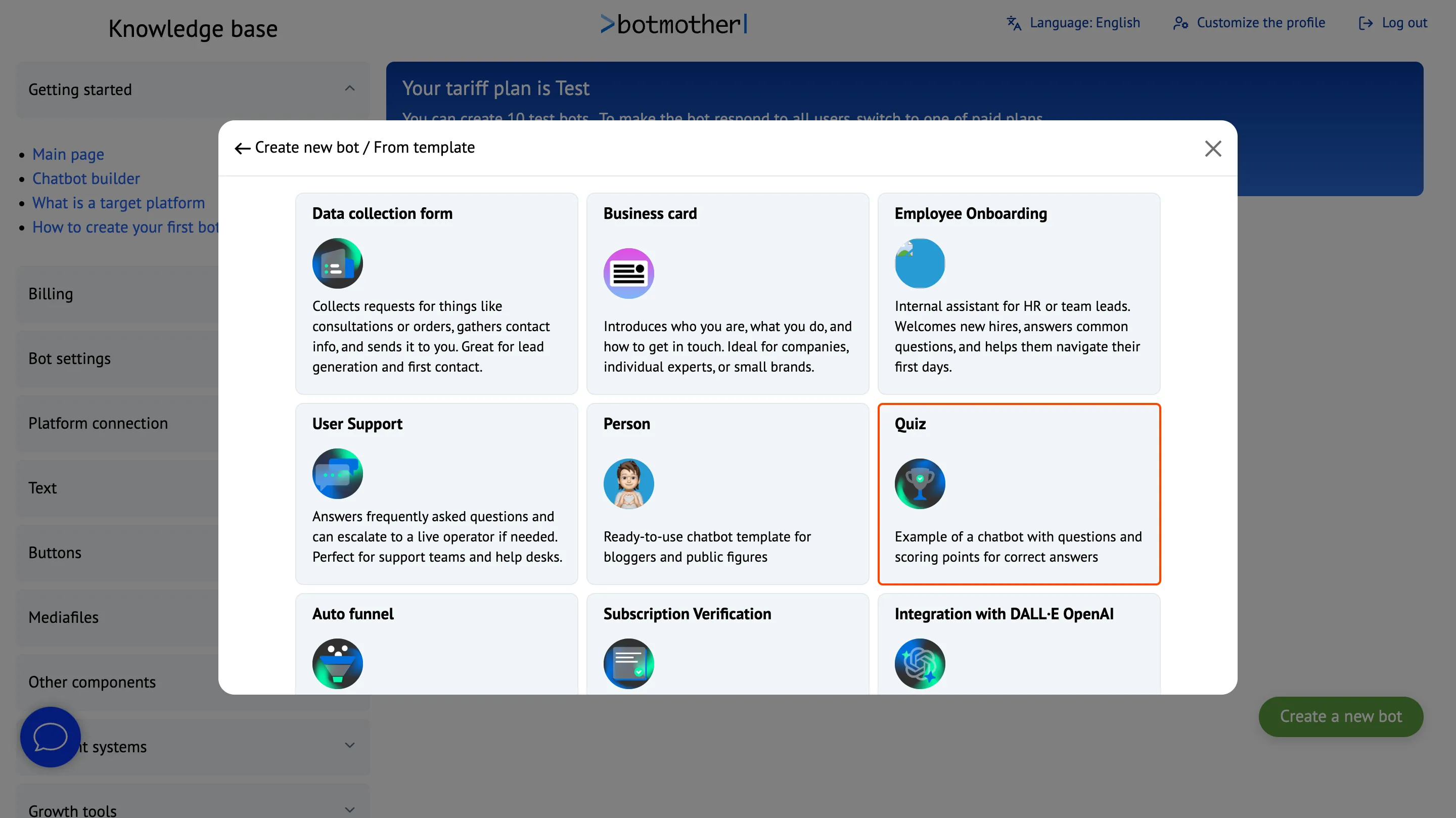
Choose the quiz bot template
-
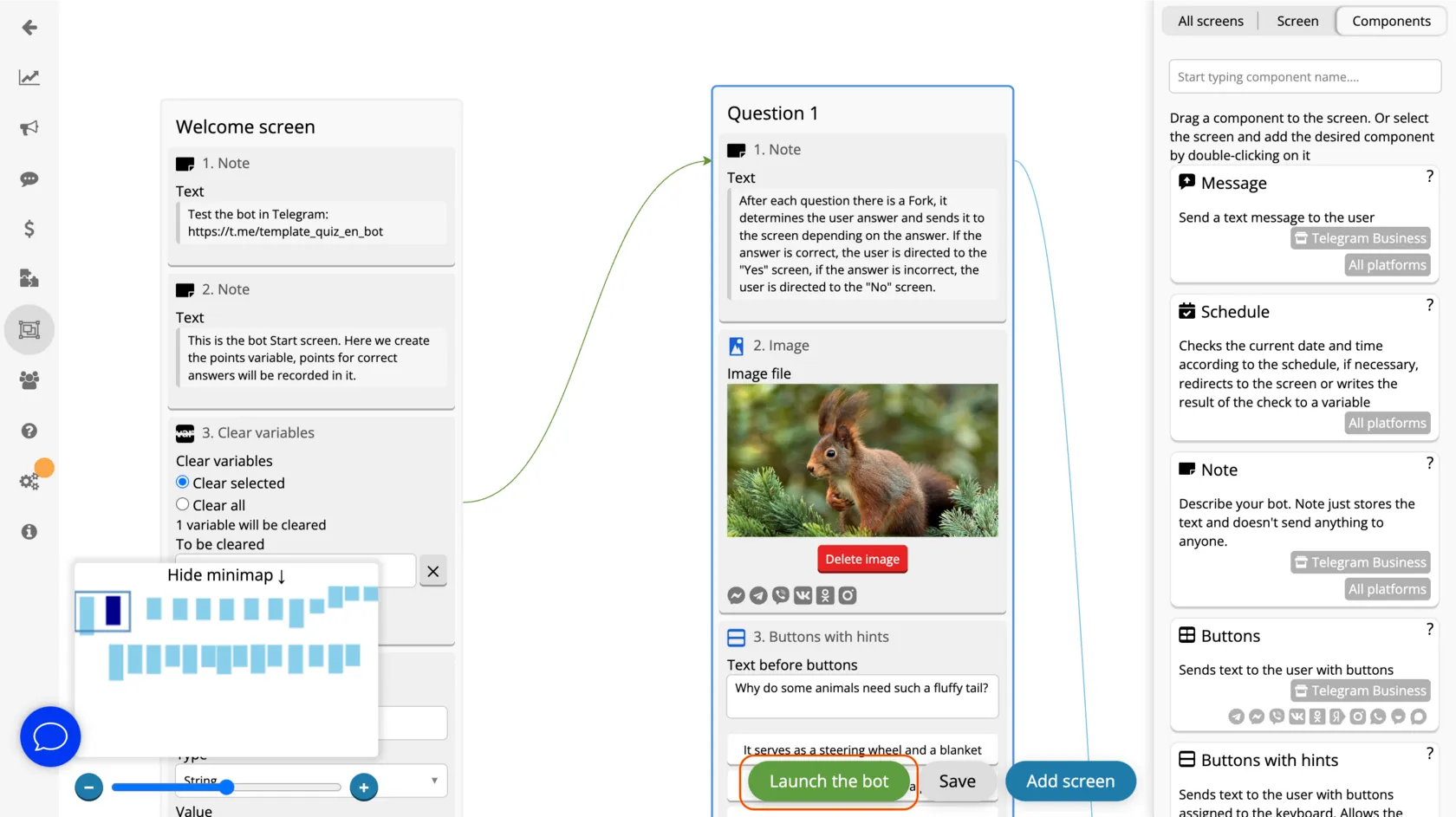
Click "Launch Bot" and follow the instructions
Works Across All Platforms
Interact with clients through a single bot everywhere — it can work simultaneously in Telegram, WhatsApp, Viber, Facebook, Instagram, MAX, VKontakte and Odnoklassniki.


Frequently Asked Questions
What is the "Quiz" template for?
This template is designed to create a chatbot that asks users questions and then shows them how many correct answers they gave.
How can I customize the bot for my needs?
After selecting the template, you can edit the script—add your own questions, answer options, and modify texts. To activate the bot, connect it to at least one platform.
How are points calculated?
The bot awards 1 point for each correct answer. Incorrect answers are worth 0 points. After the quiz ends, the bot displays the user's total score.
Where is the data stored?
The scores are stored in a variable accessible in the "Users" section. There, you can view how many points each participant scored.
Can I create the bot myself?
Yes, you can create the bot yourself using the visual editor. No coding skills are required — everything is built using drag-and-drop blocks.