Museum tour 🏛
The bot conducts a museum tour, accompanied by audio and video materials.
Who is this bot template suitable for?
-

For museums and galleries
Helps organize self-guided tours for visitors. -

For history and culture channel creators
To create tours that subscribers can take at any time. -

For guides and tour leaders
Such a bot complements the guide’s information or creates an alternative tour format. -

For travel agencies
To enhance services with digital tours so clients can receive information in a convenient format.
How does a bot from the template work when connected to Telegram?
Greeting
The bot greets the user and explains how it can be useful.
In addition, the user receives buttons to start the tour or get information about the museum.
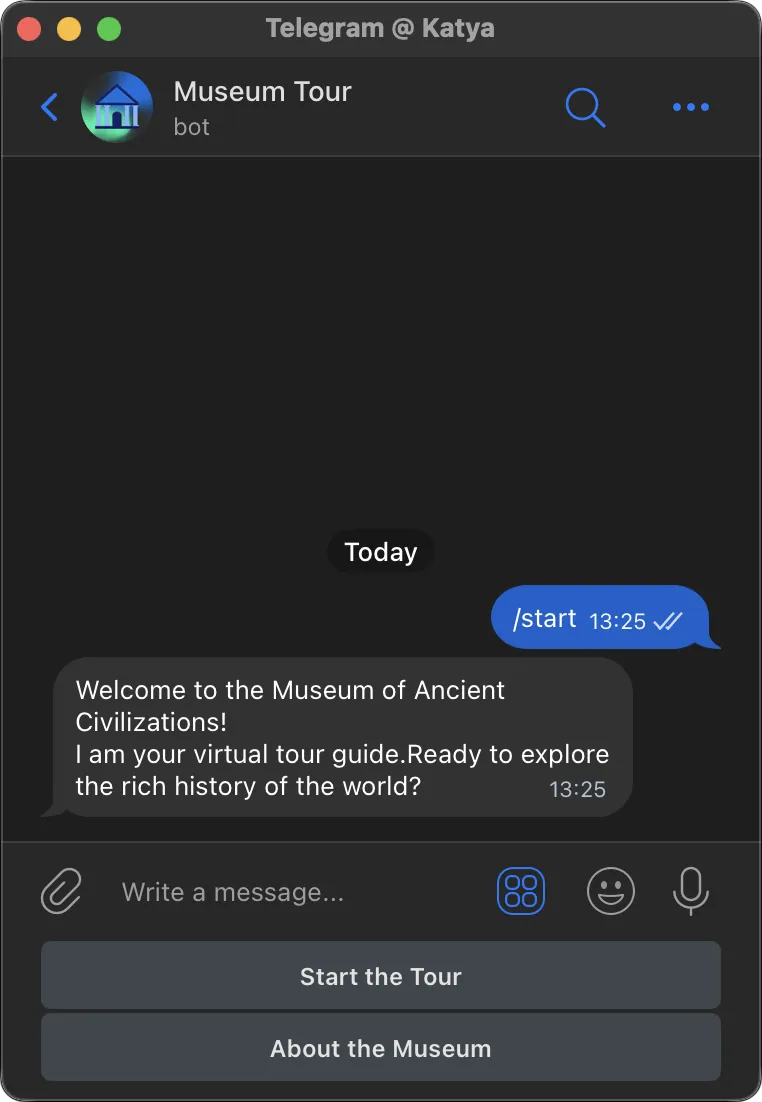
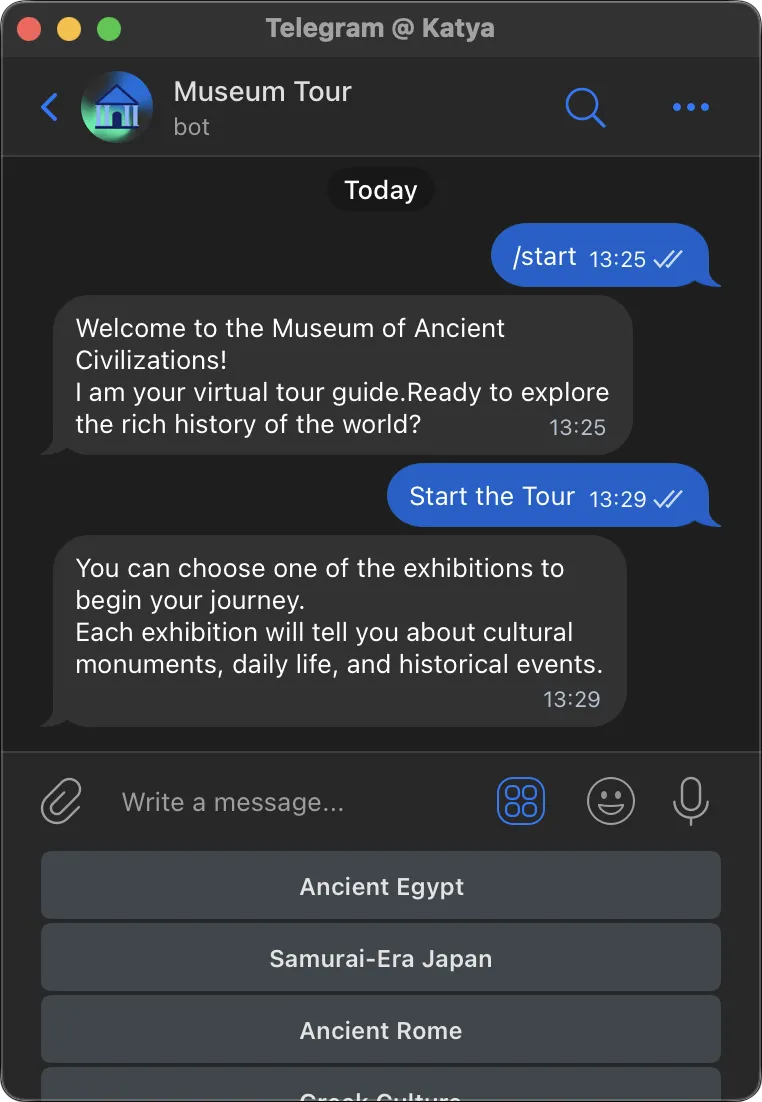
Exhibit selection
After the user starts the tour, they will receive buttons to choose one of the exhibits.
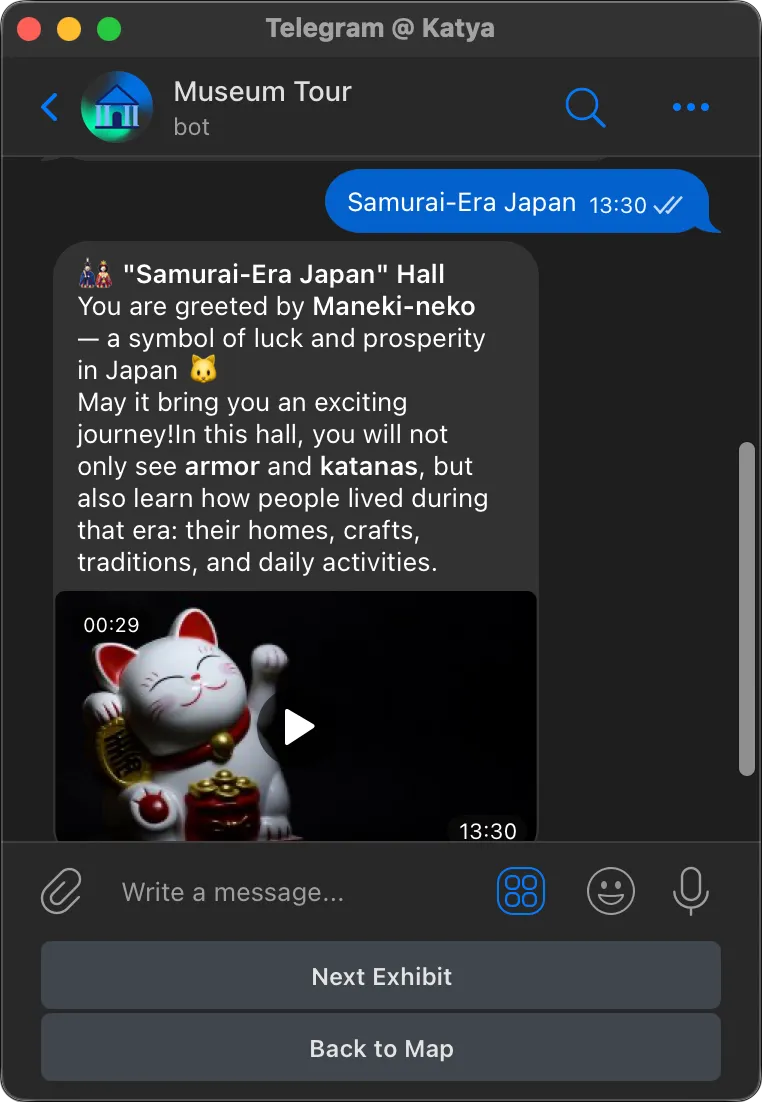
Getting to know the exhibits
After selecting an exhibit, the bot sends tour materials in the form of text or audio.
Additionally, the exhibits are illustrated with video materials for home study or as a supplement to the museum tour.
Using buttons, you can move to the next exhibit or return to the general list of museum halls.
Connecting the bot is easy
Create your own chatbot from the template in 15 minutes.
-
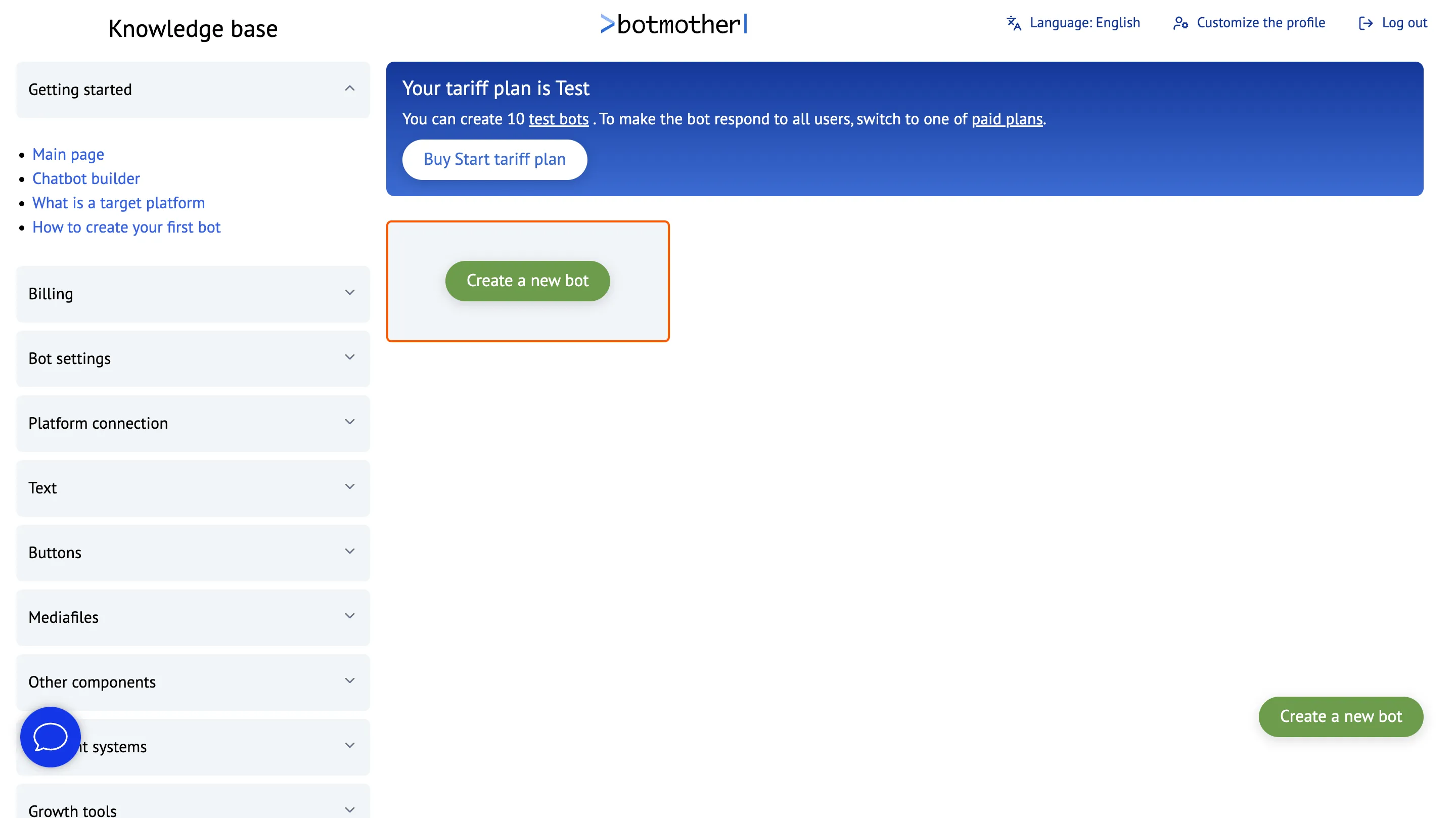
Sign up in Botmother
-
Click the "Create a new bot" button
-
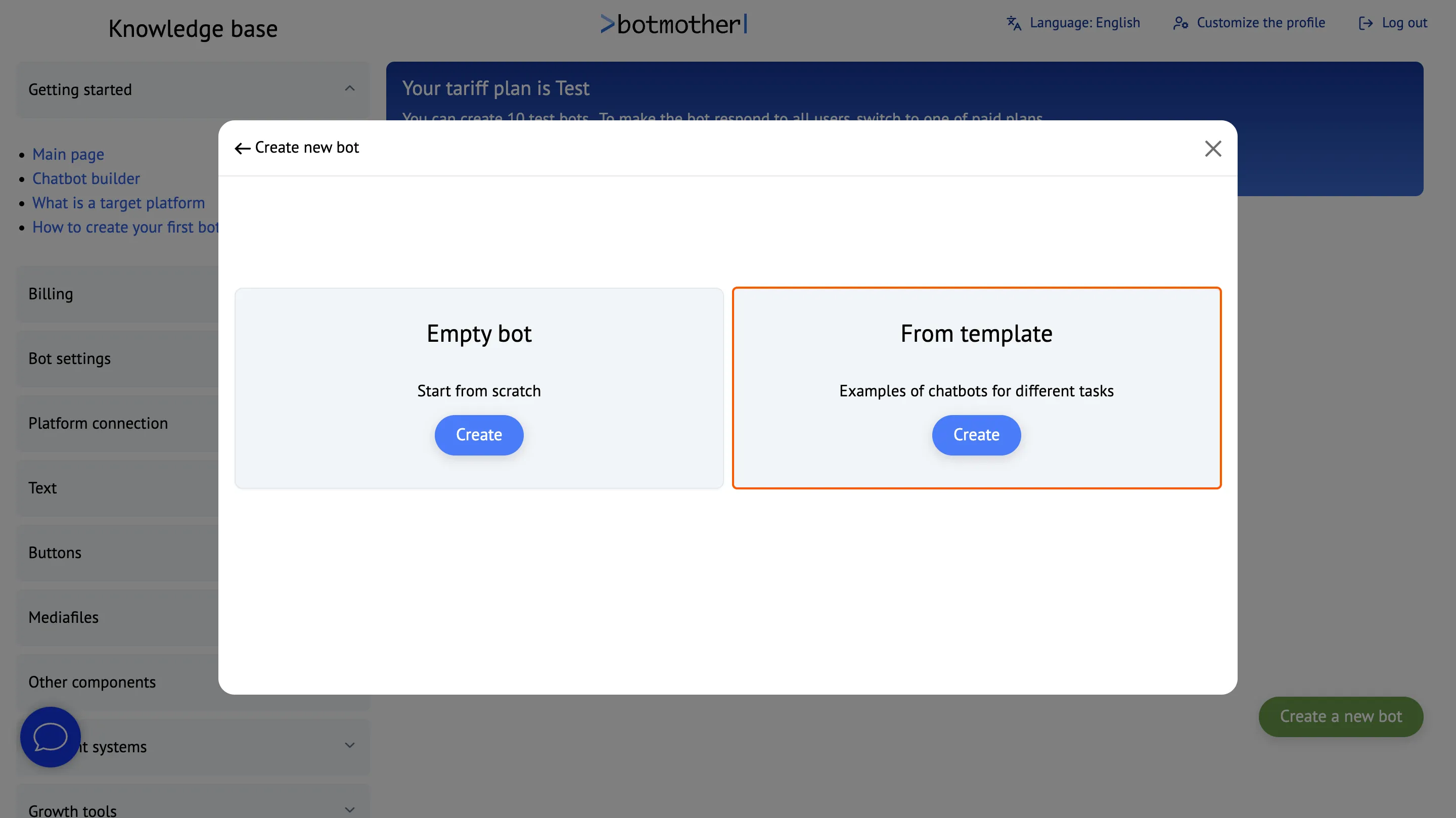
Create a bot from the template
-
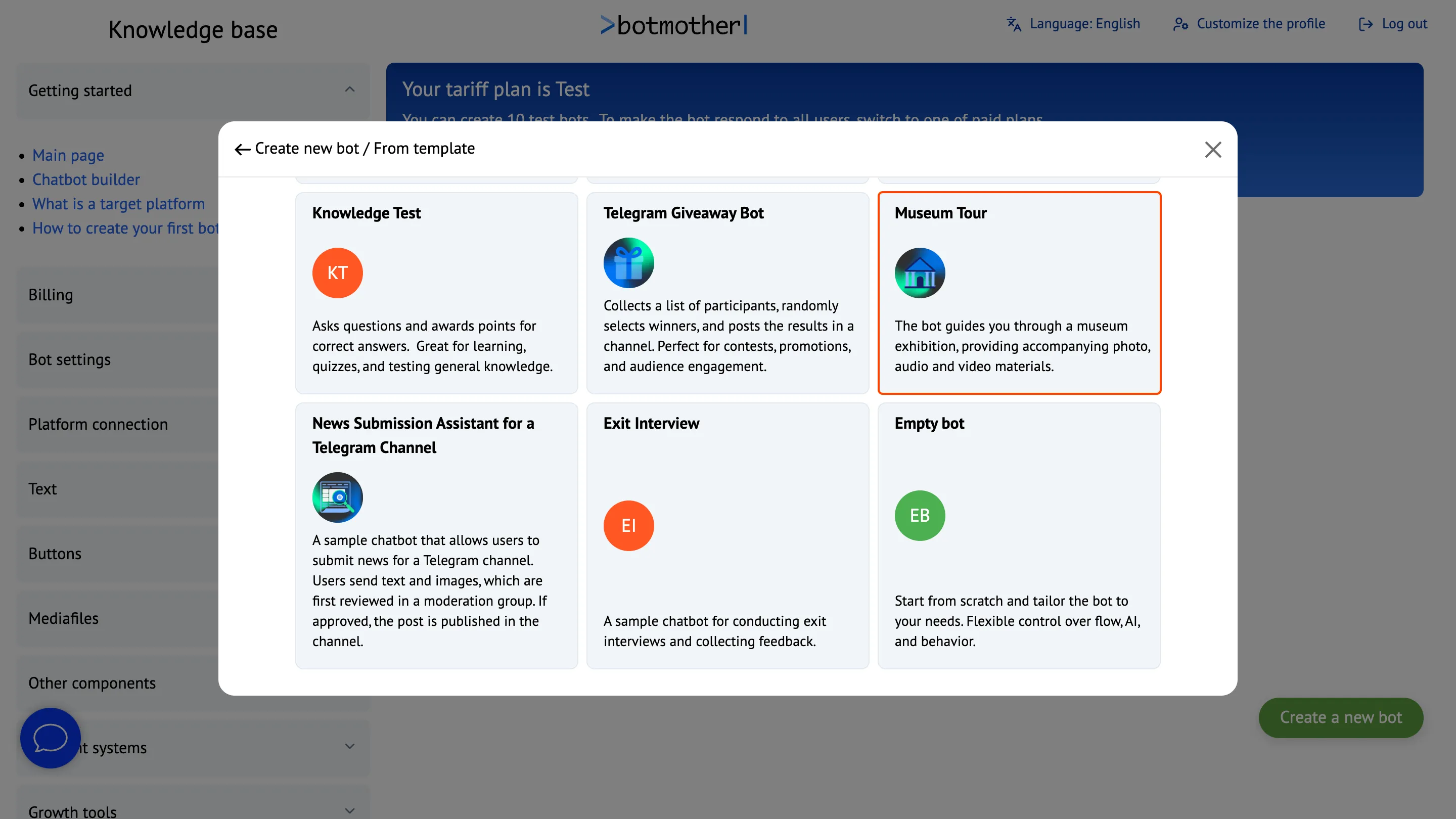
Choose a suitable template
-
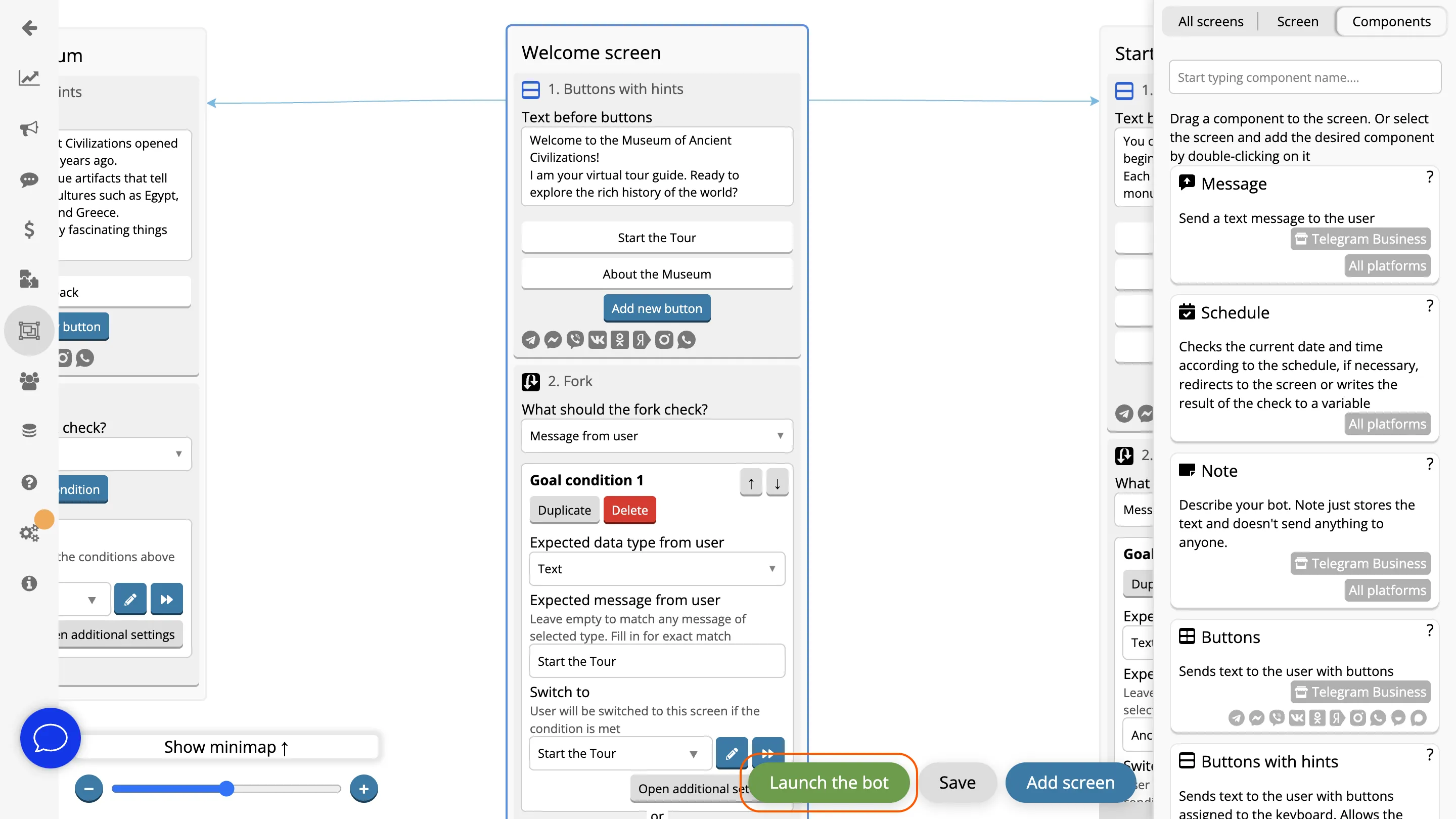
Click the "Launch Bot" button and follow the instructions to connect the bot to Telegram.
Works Across All Platforms
Interact with clients through a single bot everywhere — it can work simultaneously in Telegram, WhatsApp, Viber, Facebook, Instagram, MAX, VKontakte and Odnoklassniki.


FAQ
What is the "Museum Tour" template used for?
The bot conducts a virtual museum tour, providing audio and video materials, exhibit descriptions, and additional facts.
Is it possible to choose a specific route or exhibit?
Yes, the bot allows you to select individual halls, exhibits, or follow the full tour route.
Is the bot only available in the museum, or can it be used at home?
You can set up the bot so that it is only accessible within the museum — for example, using a special code. If you want to reach a wider audience, you can keep access open, allowing users to explore the exhibits remotely from anywhere.
How to interact with the bot?
You can select halls using buttons or enter their names manually. After selection, the bot will sequentially send materials about each exhibit — audio, video, and text descriptions. To move to the next exhibit, click "Next Exhibit" and continue the tour at your own pace.
Is it possible to create a bot by yourself?
Yes, you can create a bot yourself in the visual editor. No coding knowledge is required — the bot is assembled from ready-made blocks with simple drag-and-drop. Templates with popular scenarios are available for a quick start. They can be connected to a messenger and used immediately or customized for your needs.