Feedback bot 💬
A feedback bot in Telegram helps quickly collect feedback and messages from customers with instant delivery of the data to the manager.
Who is this bot template suitable for?
-

Online stores
A Telegram feedback bot allows customers to quickly report a problem, leave feedback, or ask a question without calls or emails. -

Cafes and restaurants
A Telegram feedback bot helps collect guests' opinions about the quality of food and service right after their visit. -

Technical support and IT companies
A feedback bot with automatic data delivery to the manager will speed up responses to user errors, complaints, and requests. -

Online schools and courses
Creating a Telegram feedback bot means simplifying the collection of students' impressions and responding to issues promptly.
How does a bot from the template work when connected to Telegram?
Greeting
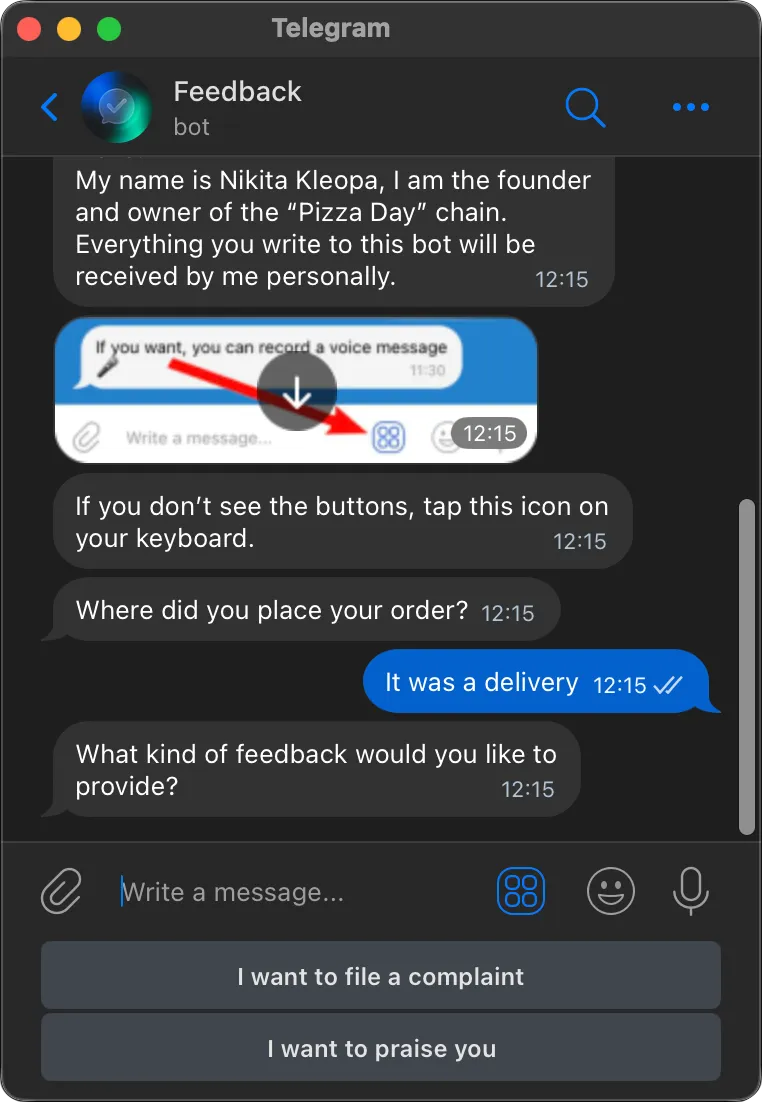
At the start of the conversation, a Telegram feedback bot politely introduces itself, briefly explains its function, and warns about possible button display issues—so the customer can easily complete the survey.
Survey
Next, the Telegram feedback bot asks several clarifying questions: where the pizza was purchased and what type of feedback the user wants to leave—praise or complaint.
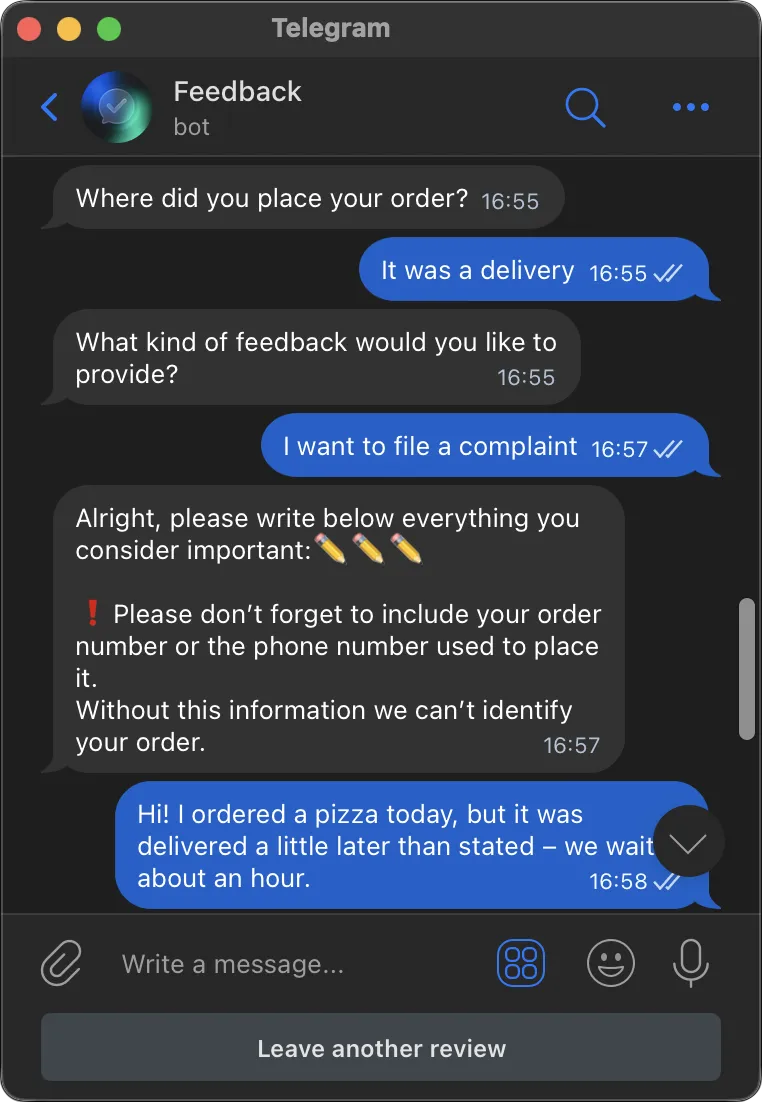
After that, the customer can leave feedback in a convenient format:
- text message,
- voice message,
- attach a photo or video.
Survey completion
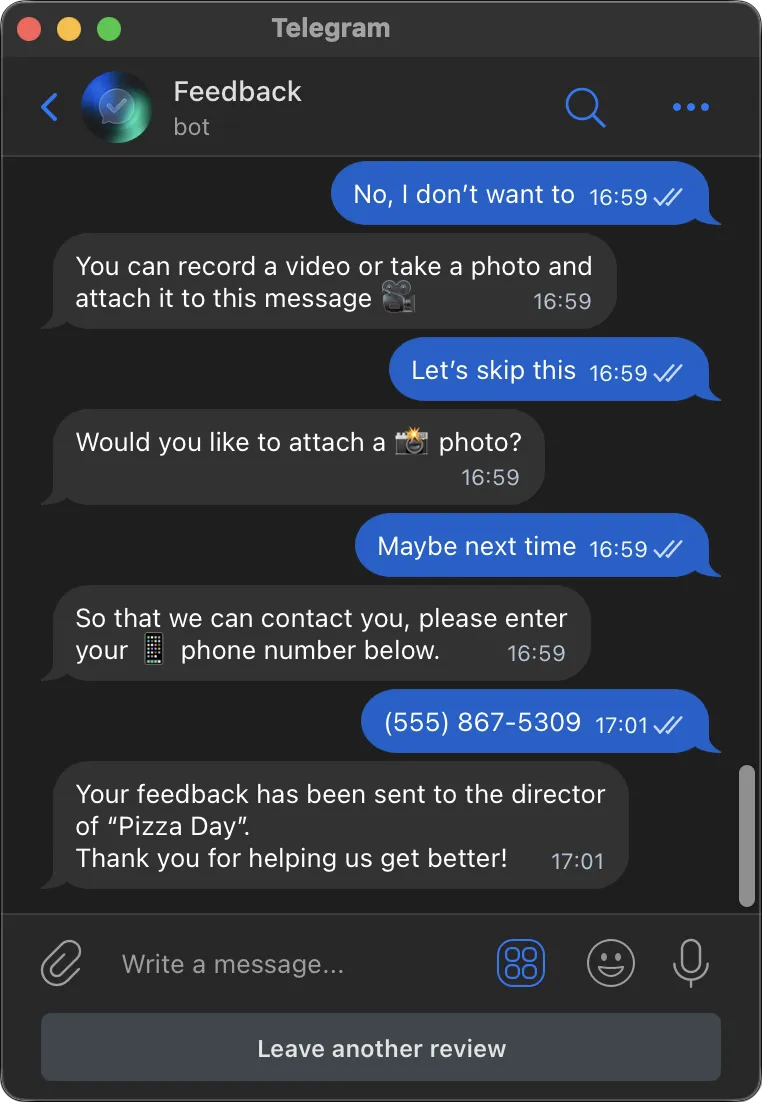
After completing the survey, the Telegram feedback bot offers the option to leave a phone number for contacting the manager. This is optional—the customer can skip this step if desired.
At the end, the bot thanks the user for their feedback and offers to leave another review if the user has additional comments.
Connecting the bot is easy
Create your own chatbot from the template in 15 minutes.
-
Sign up in Botmother
-
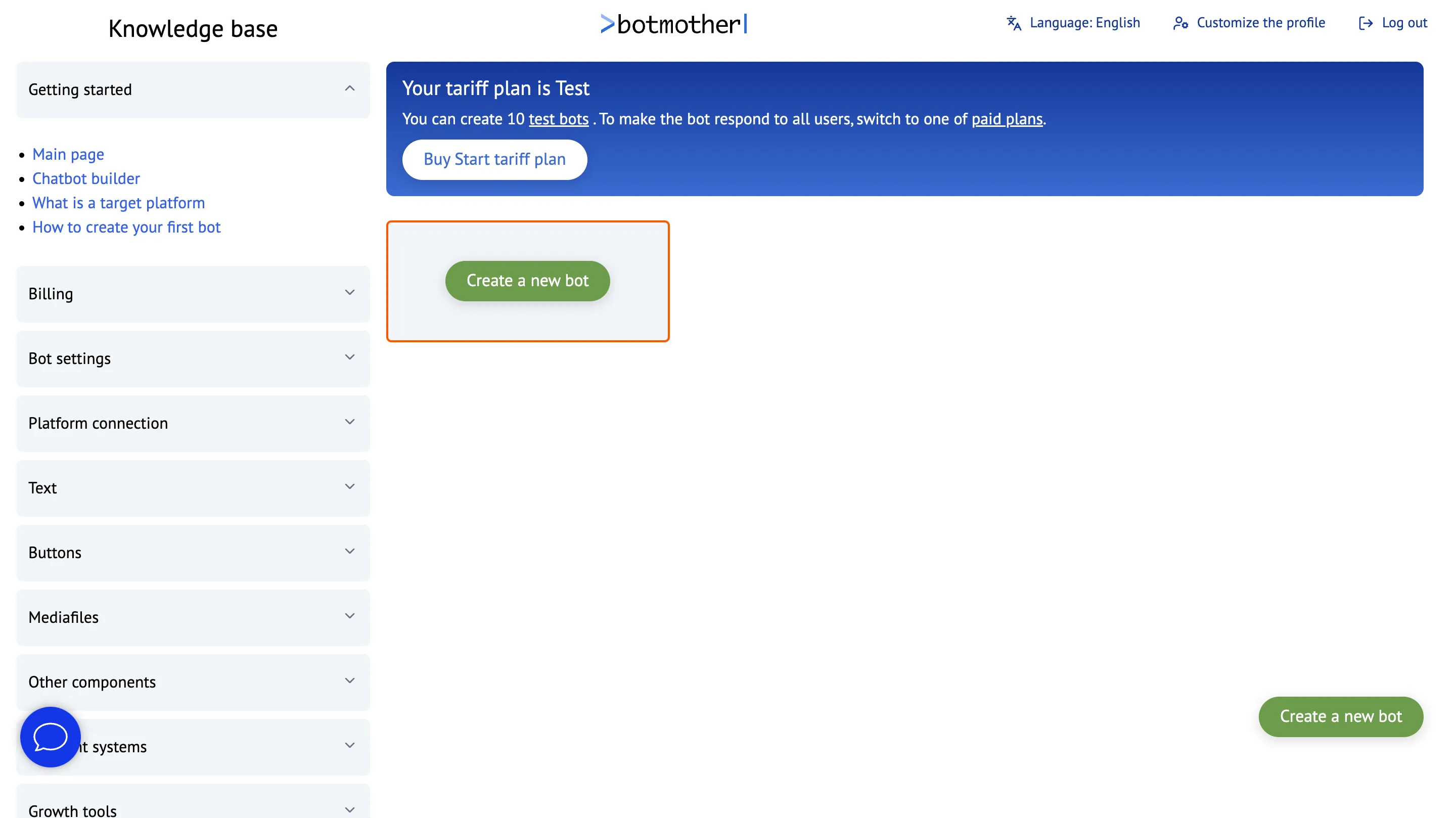
Click the "Create a new bot" button
-
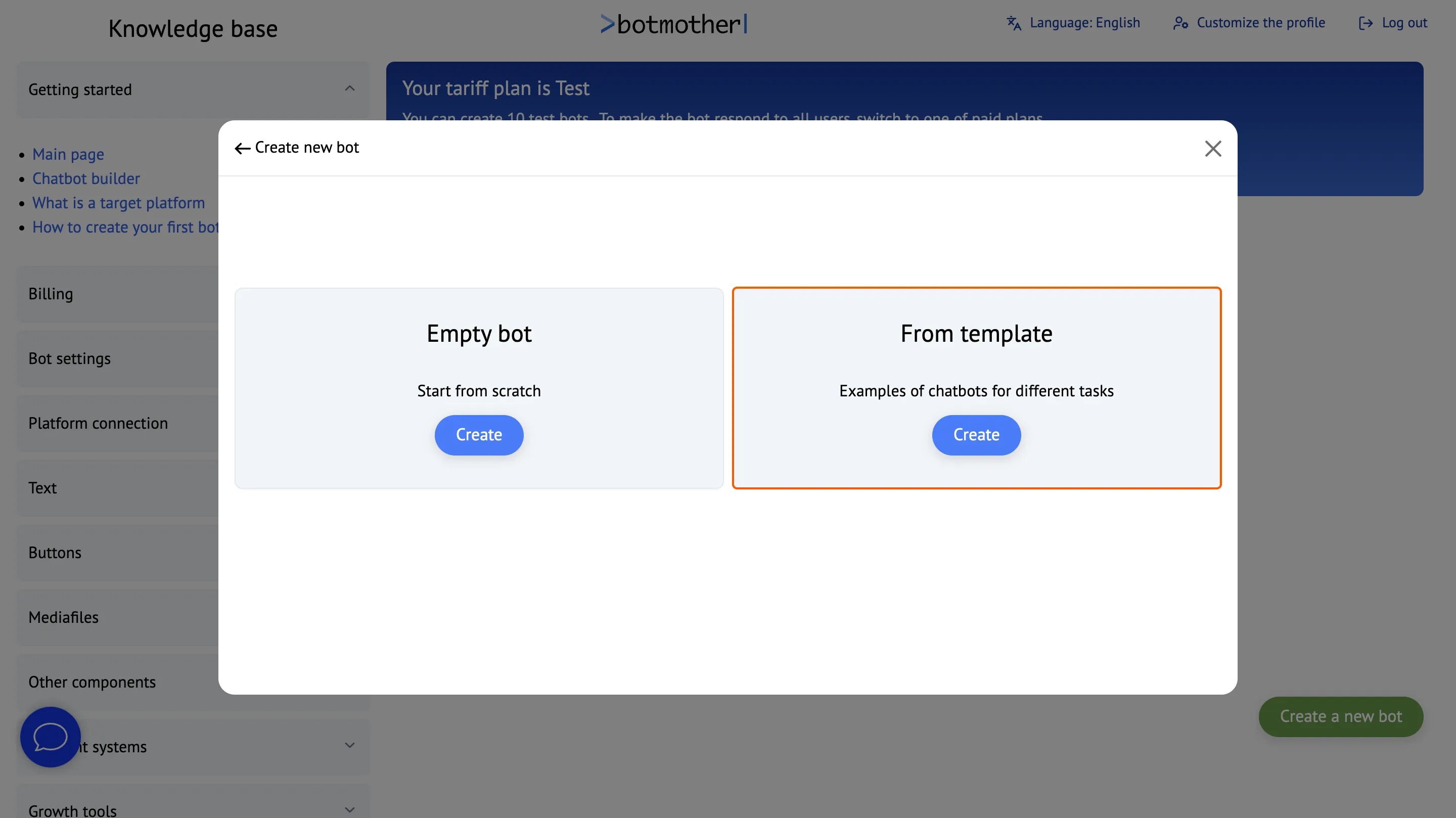
Create a bot from the template
-
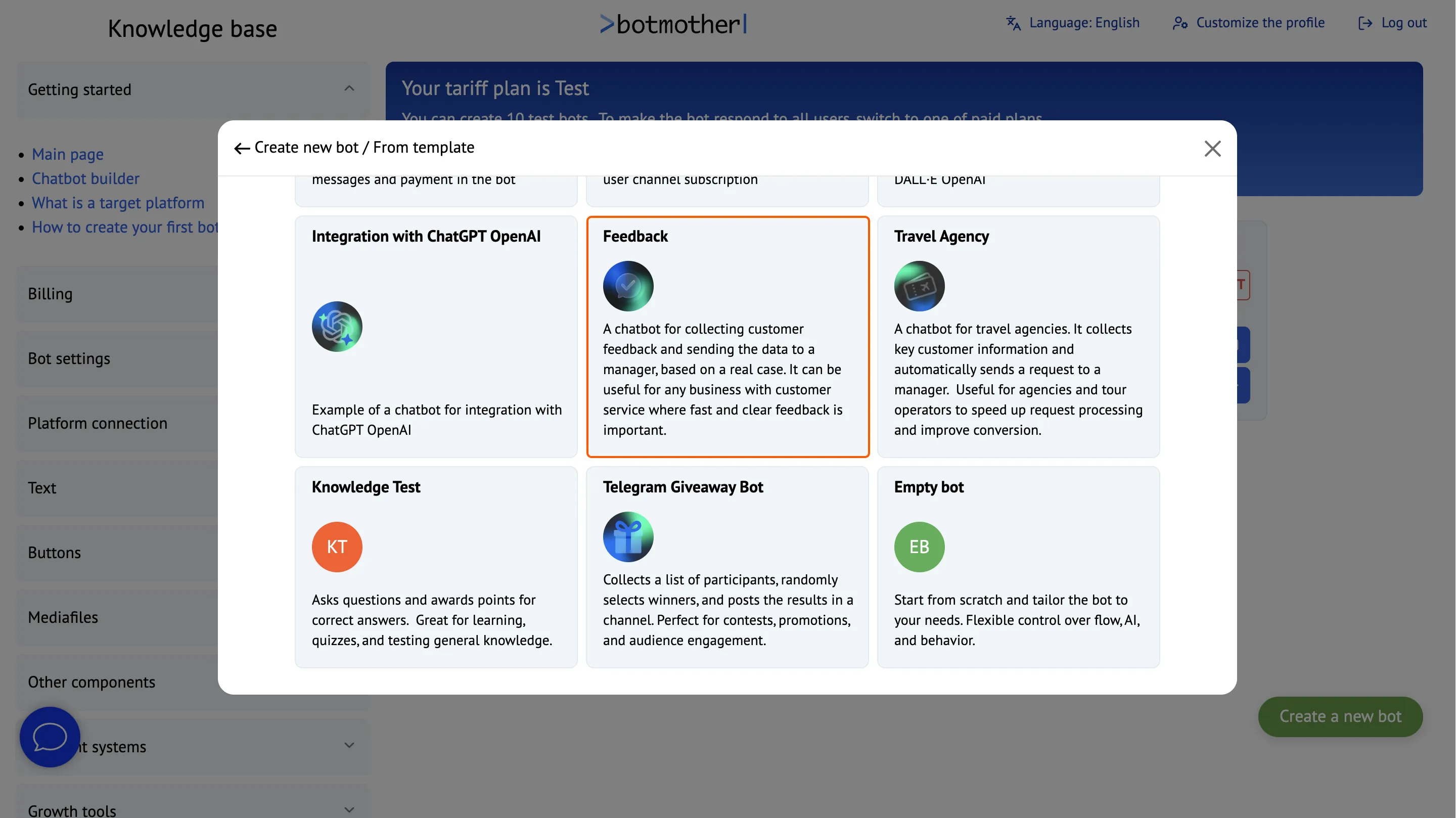
Choose a suitable template
-
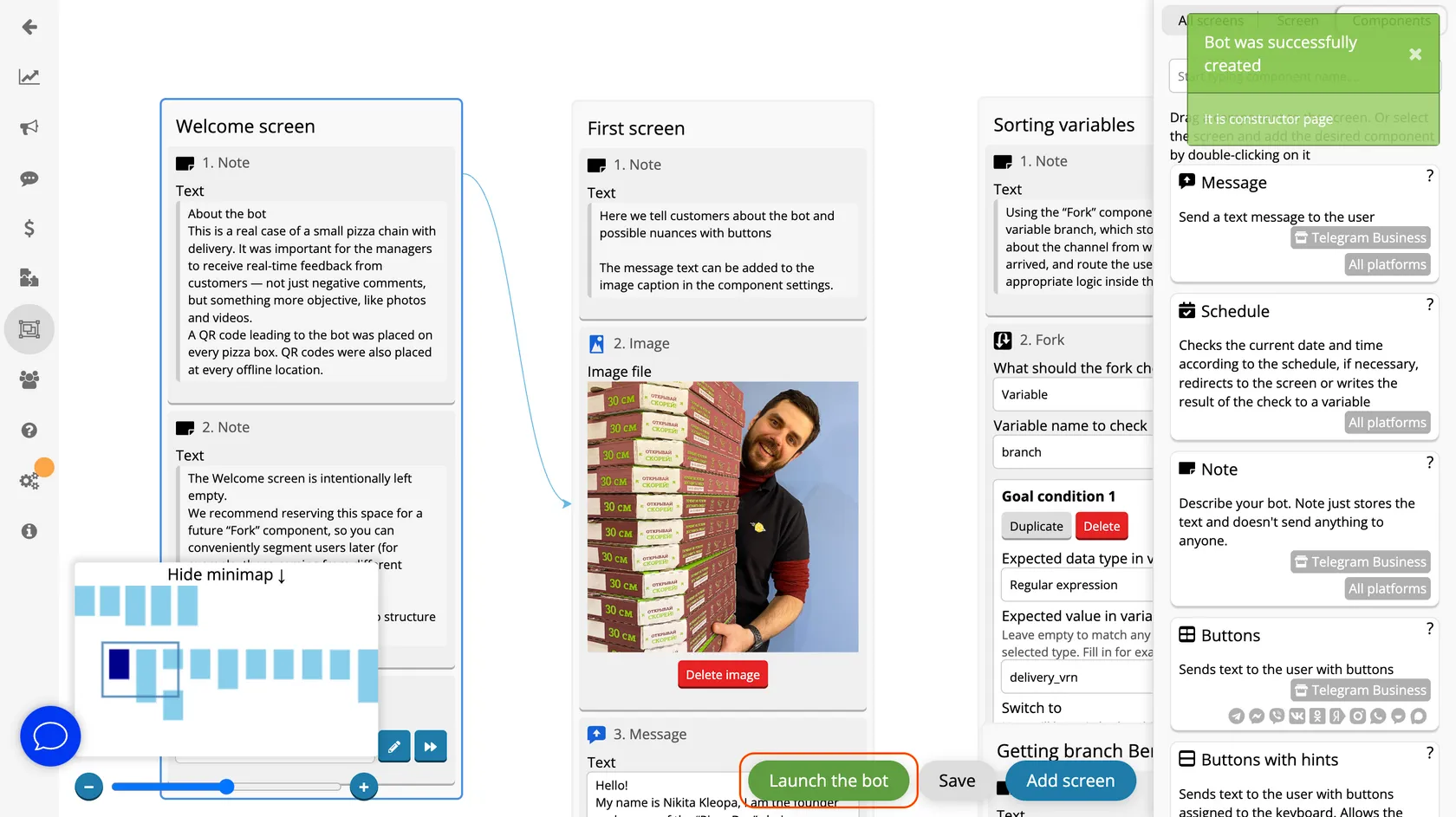
Click the "Launch Bot" button and follow the instructions to connect the bot to Telegram.
-
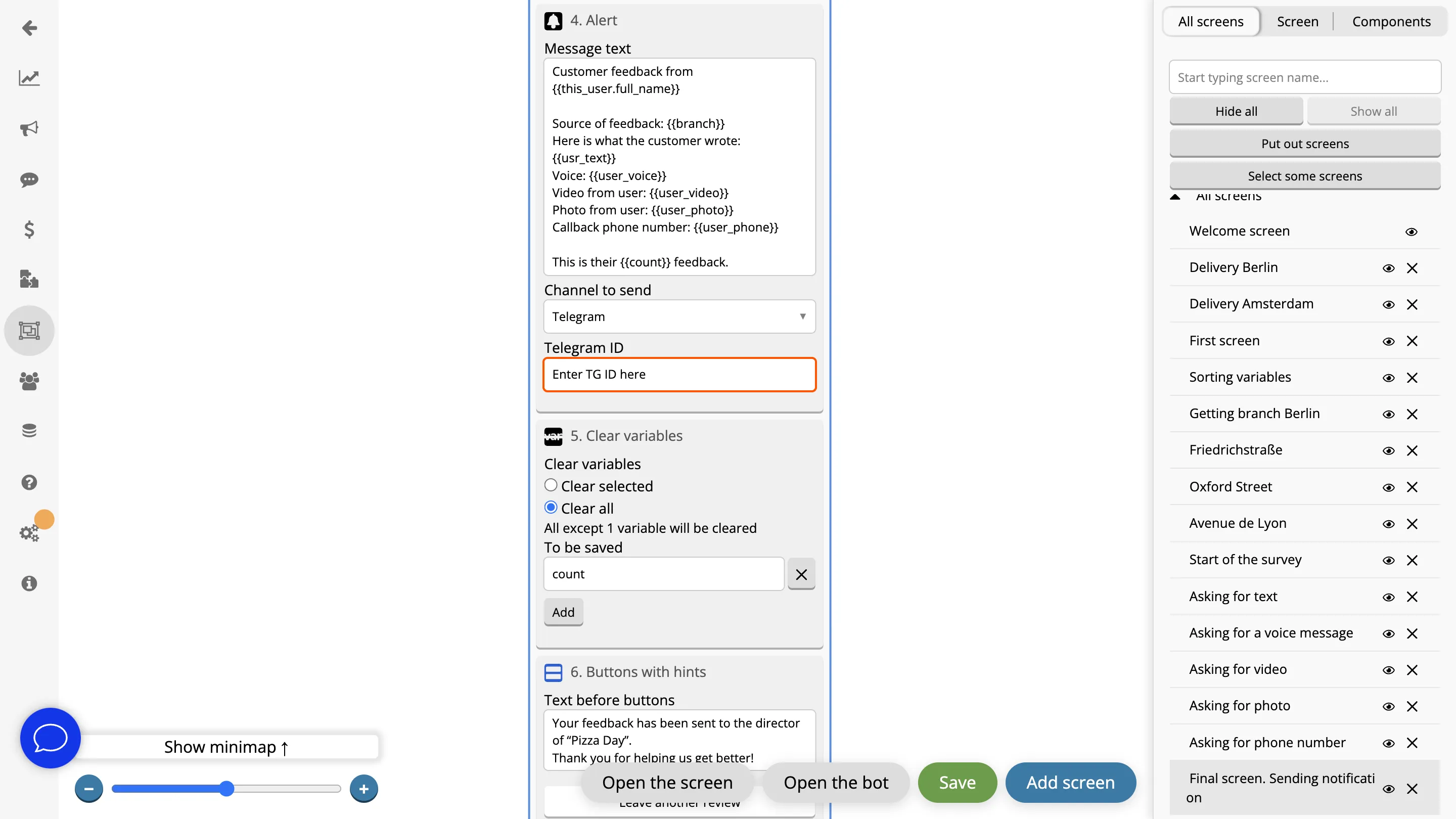
On the final screen, in the Alert component, add the manager’s Telegram ID. After that, all user requests will be sent to the manager on Telegram.
Works Across All Platforms
Interact with clients through a single bot everywhere — it can work simultaneously in Telegram, WhatsApp, Viber, Facebook, Instagram, MAX, VKontakte and Odnoklassniki.


FAQ
What is the "Feedback Bot" template used for?
A Telegram feedback bot allows you to quickly receive reviews, suggestions, and messages from customers. It simplifies communication and helps businesses respond promptly to audience needs.
How does a Telegram feedback bot work?
The customer opens the bot and writes suggestions or complaints about the service. They can attach various types of media—photos, videos, voice messages. All information is sent to the manager on Telegram.
Is it possible to create a feedback bot tailored to your company’s needs?
The bot is easily adaptable: you can change the text, questions, connect analytics, integrate with CRM, Google Sheets, and other systems—to fit any business process.
Is it possible to embed the bot on a website?
Yes, you can add a "Leave Feedback" button with a link to the Telegram bot — it’s convenient and increases engagement.
Is it possible to create a bot by yourself?
Yes, you can create a bot yourself in the visual editor. No coding knowledge is required — the bot is assembled from ready-made blocks with simple drag-and-drop. Templates with popular scenarios are available for a quick start. They can be connected to a messenger and used immediately or customized for your needs.