Event Registration Bot 🎉
The bot registers attendees and logs their data into a table. It also provides details about speakers, the event program, and the venue.
Who Is This Template For?
-

Conference organizers
For registering participants and sharing speaker details. -

Creative and artistic events
For guiding visitors at exhibitions, fairs, workshops, and other creative gatherings. -

Webinars and online courses
To register viewers and grant access to lectures. -

Festivals and music events
For signing up attendees and helping them navigate the event schedule.
How the Bot Works in Telegram
Registration
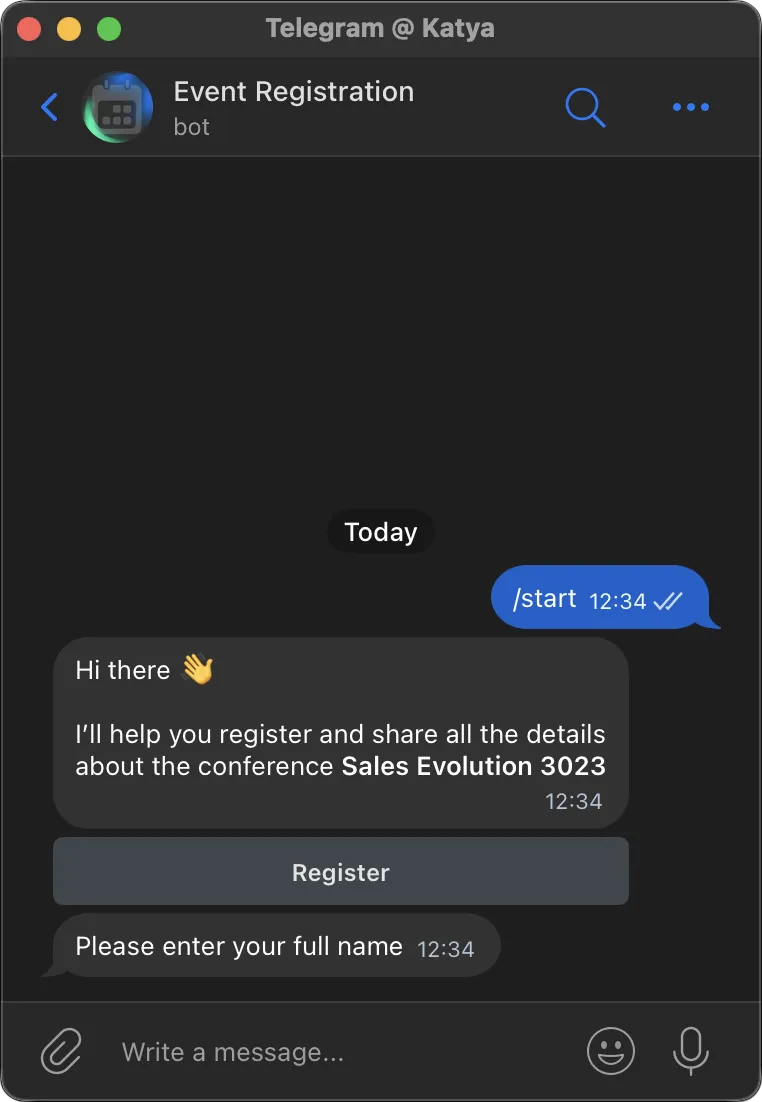
The bot greets the user, briefly introduces the event, and offers to register.
Once the form is completed, the data is transferred to Google Sheets (if integrated).
Main Menu
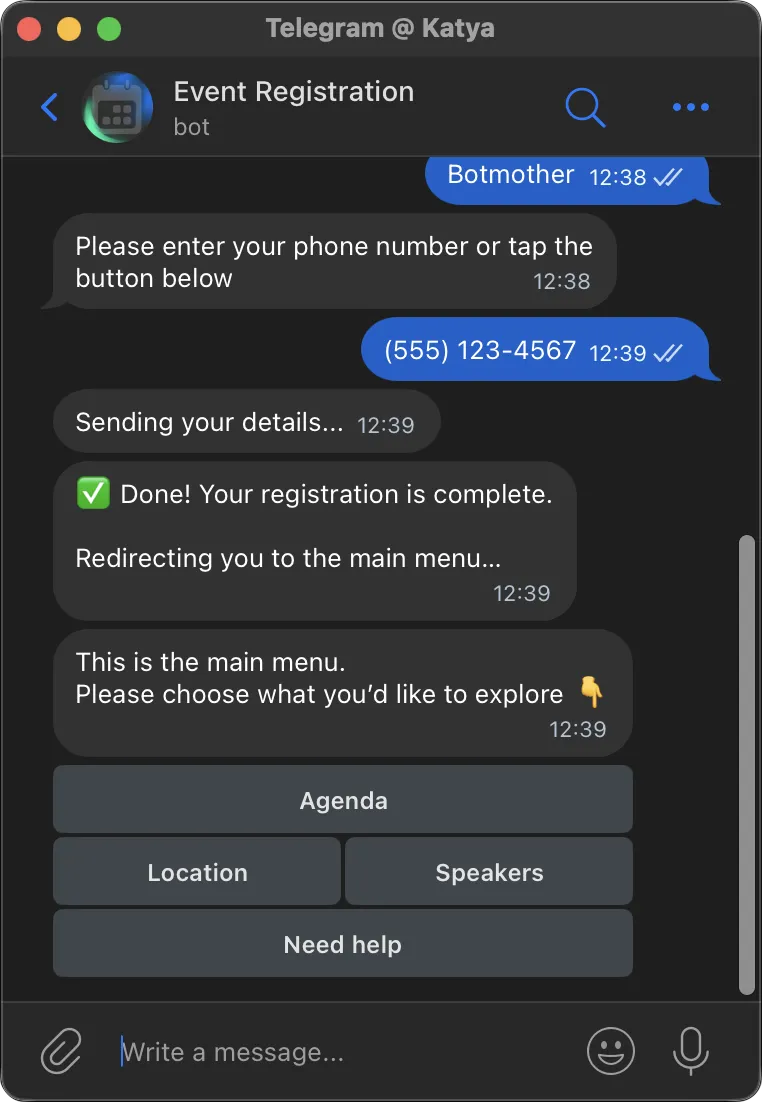
After registration, the bot opens a button menu giving access to all essential event information.
Useful Info
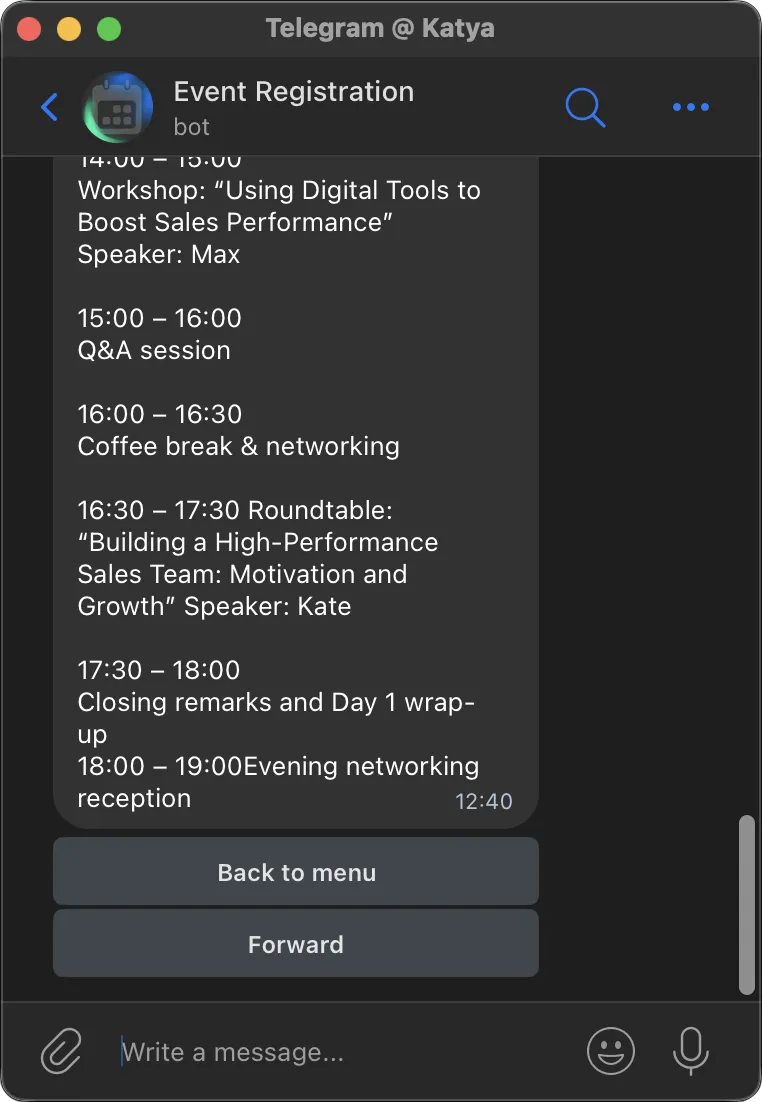
The user can access key event info at any time by clicking buttons.
They can also return to the main menu whenever needed.
Getting Started Is Easy
Create a chatbot from this template in just 15 minutes:
-
Sign up on Botmother
-
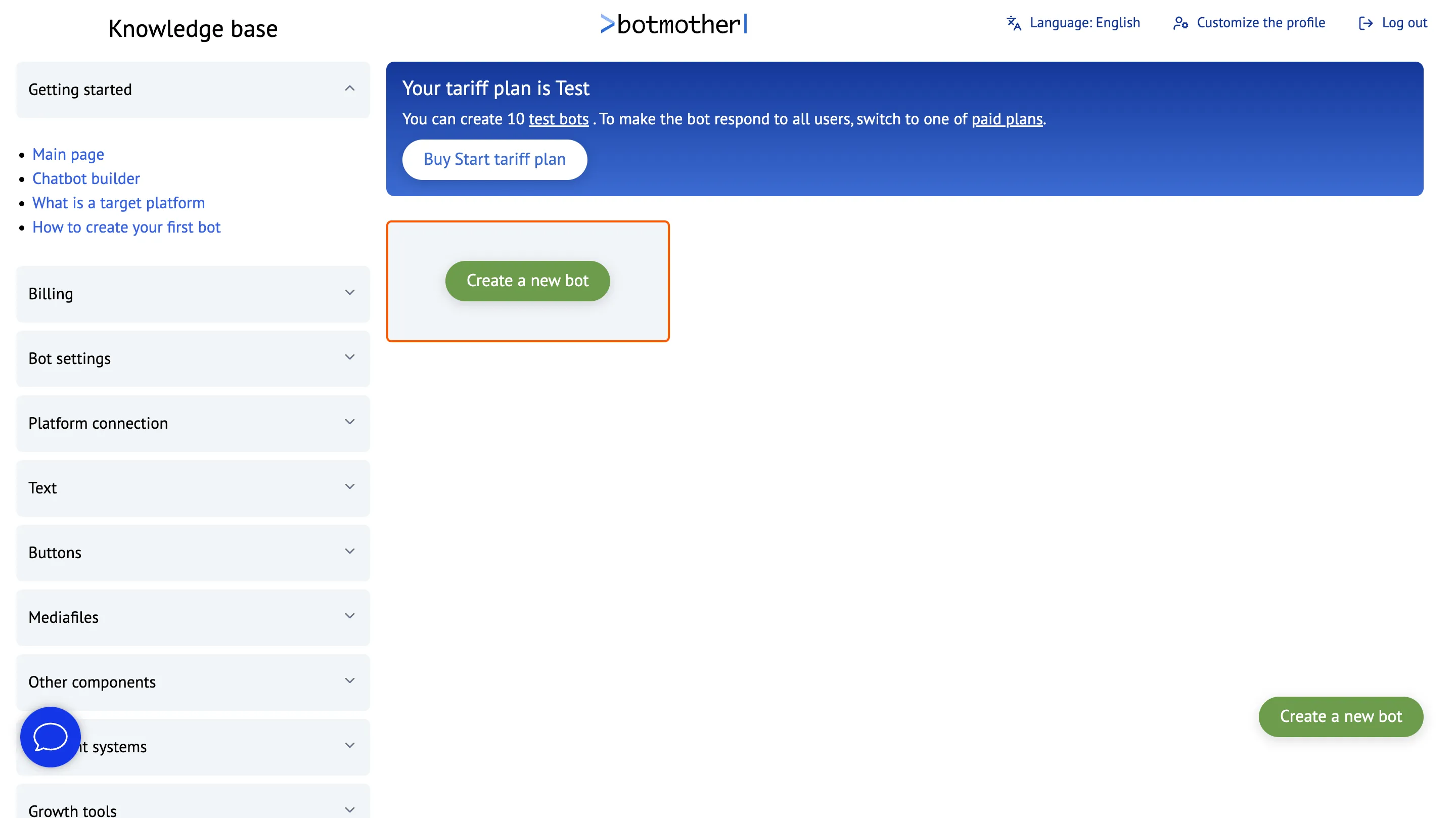
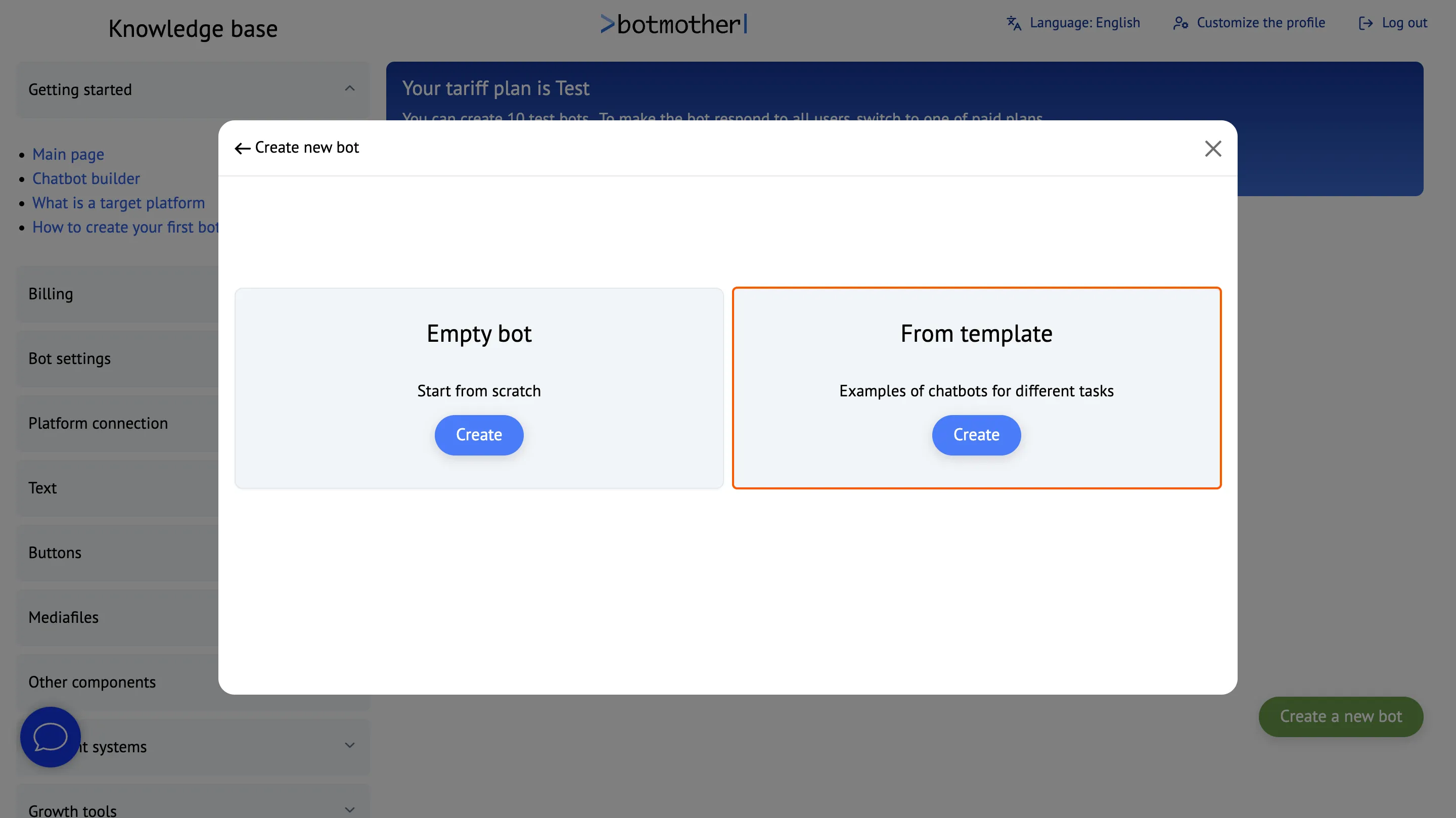
Click the "Create New Bot" button
-
Create a bot from the template
-
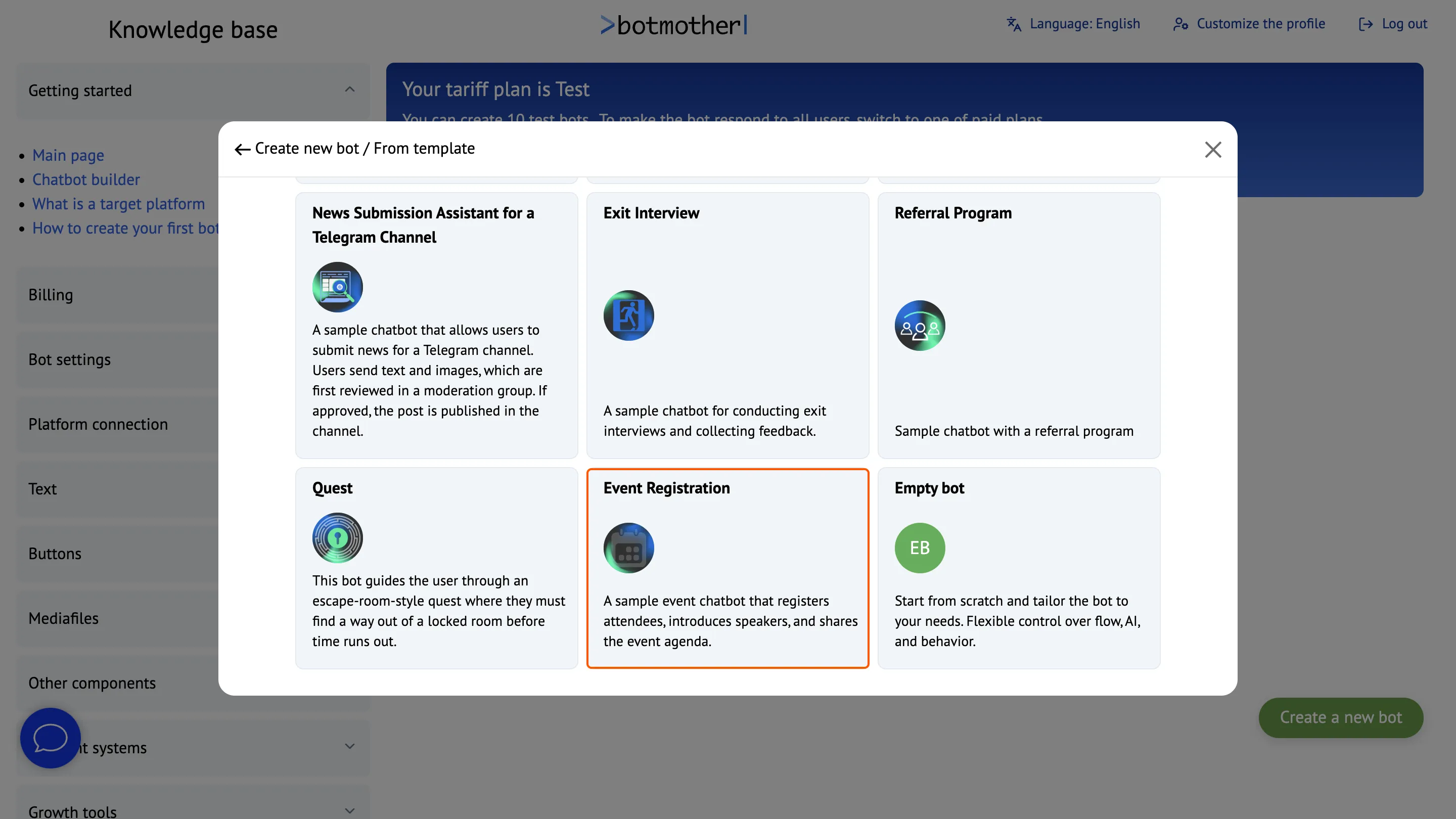
Choose the appropriate template
-
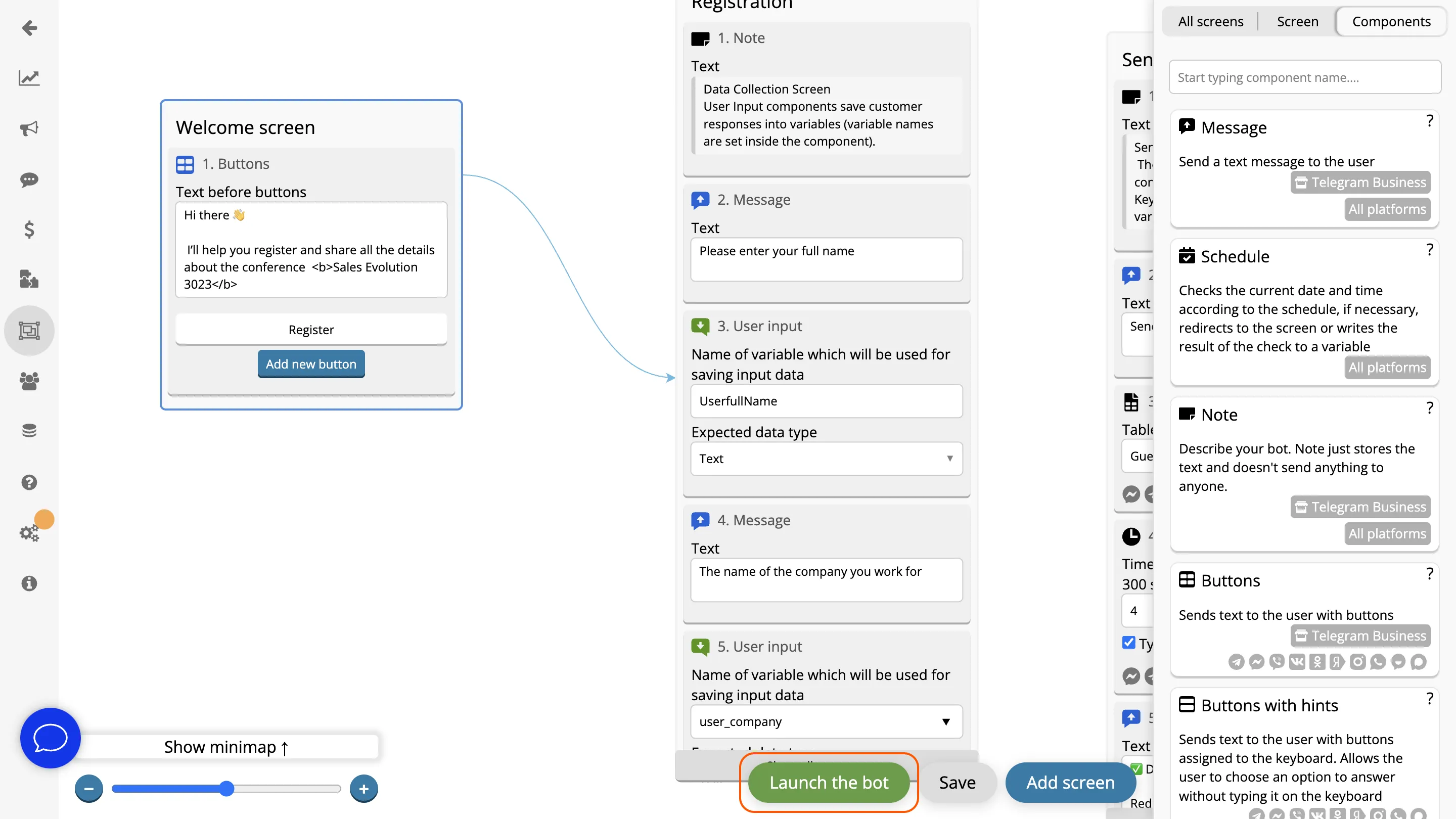
Click «Launch Bot» and connect to Telegram
-
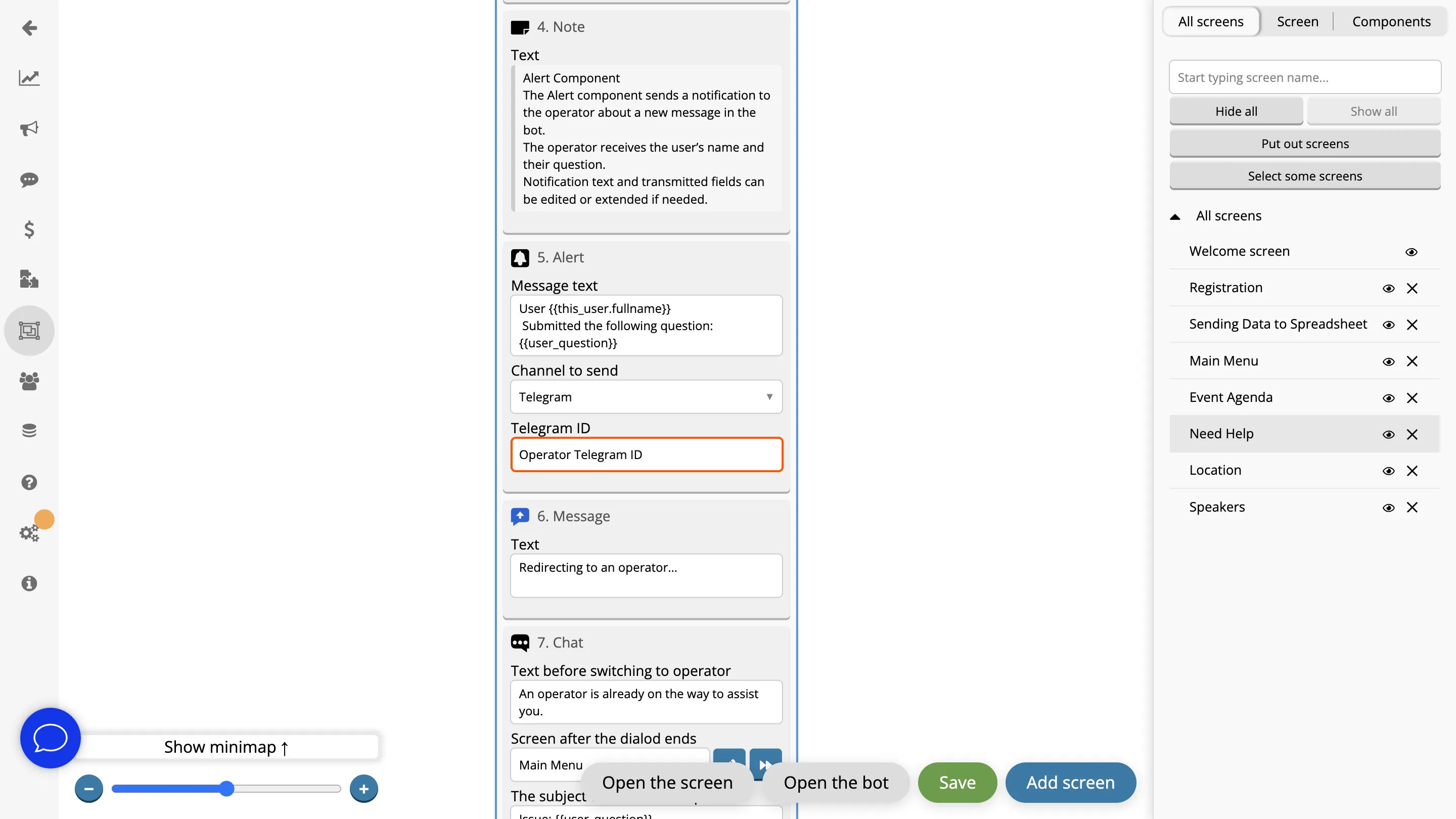
On the “Need help” screen, add the operator’s Telegram ID in the Alert component
Works Across All Platforms
Interact with clients through a single bot everywhere — it can work simultaneously in Telegram, WhatsApp, Viber, Facebook, Instagram, MAX, VKontakte and Odnoklassniki.


Frequently Asked Questions
What is the "Event Registration" template for?
This template helps automate the registration of event participants. It can also be used to present the event program, speaker info, and location, as well as keep in touch with users through a "Need Help?" section.
How can I customize the bot for my needs?
After selecting the template, you can edit the scenario: add your own questions, customize texts, and personalize the bot's responses.
Where is the collected data stored?
The data provided by users is saved to Google Sheets. Each row corresponds to one registered participant.
How is user support provided through the bot during the event?
The bot contains a special "Need Help?" section. Attendees can use it to ask questions and get assistance from the organizers in real-time.
Can I build the bot myself?
Yes! You can create and customize the bot yourself using Botmother’s visual editor — no coding skills are required.