Botmother review
Botmother.com is a zero-code platform that enables users without any programming experience to build a chatbot interface for popular social media platforms, including Telegram, Facebook Messenger, Instagram, WhatsApp, and Viber.
No-code development is a fast-growing trend because people want to create new programs quickly and keep costs to a minimum. Botmother's goal is to meet these needs. It is user-friendly and easy to learn. The platform is an intuitive drag-and-drop system: grab individual blocks and put them together to create a user scenario.
Although it's very easy for beginners and no-coders to create their chatbots, the platform is flexible enough to suit the needs of advanced users and developers by adding custom code snippets.
Main advantages of the platform:
- high speed of development, easy to make quick changes;
- no servers and maintenance costs;
- reliability;
- create a scenario once and enable it in all target social media;
- includes user analytics, dialogs, mailing lists, bot settings, etc.
Popular uses for chatbots:
- customer service and feedback;
- mail service;
- surveys;
- online applications and registrations;
- sales, subscriptions, paid access;
- automation of business processes;
- startups and hypothesis testing;
- games and entertainment.
In a nutshell, Botmother is a swiss-army knife when it comes to building chatbots without writing a single line of code. Thousands of chatbots have been developed and deployed using Botmother over 6+ years.
Platform overview
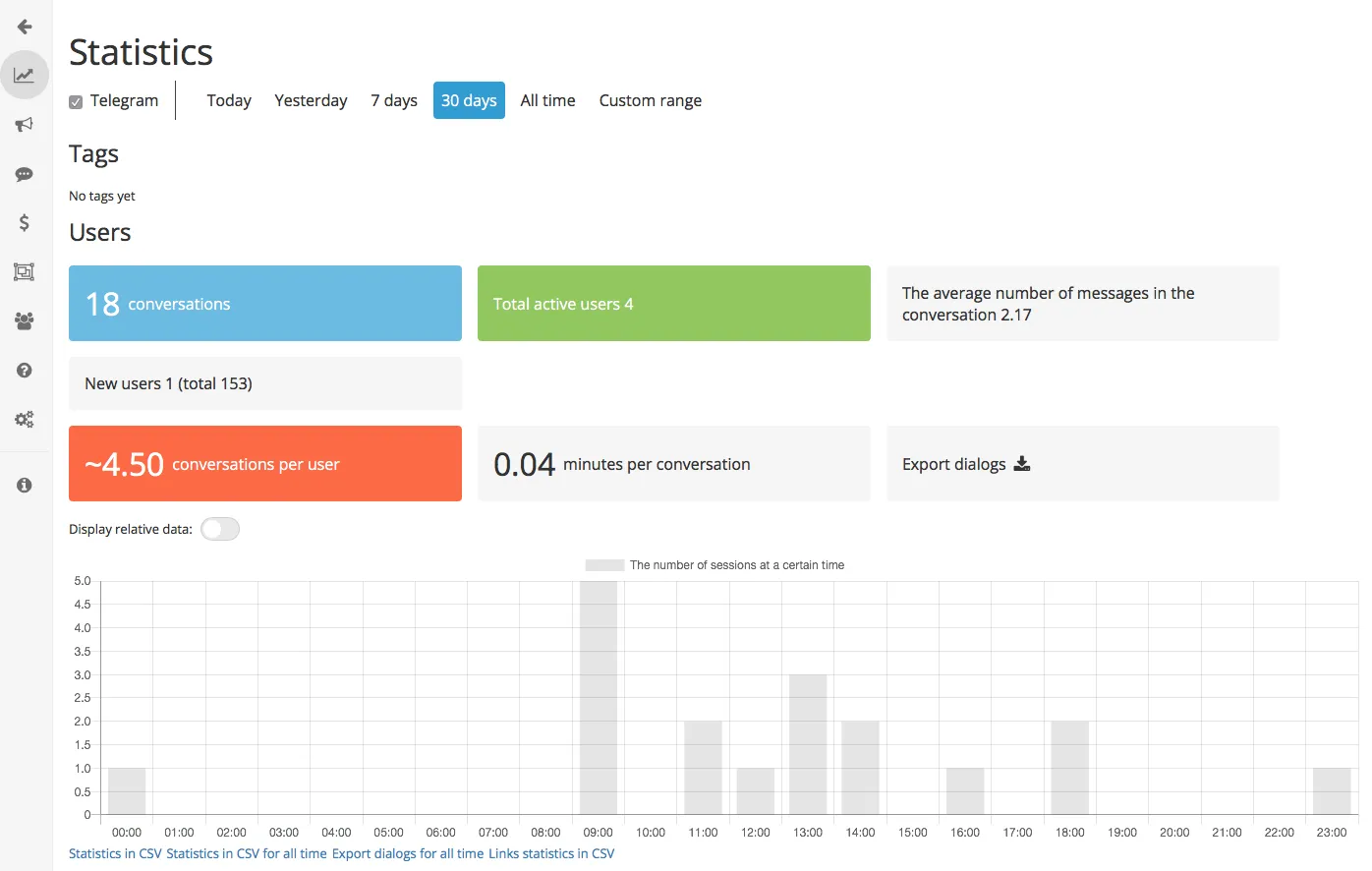
Statistics — view and analyze key metrics, including number of users, depth of reach, newsletter subscribers, purchases and so on.
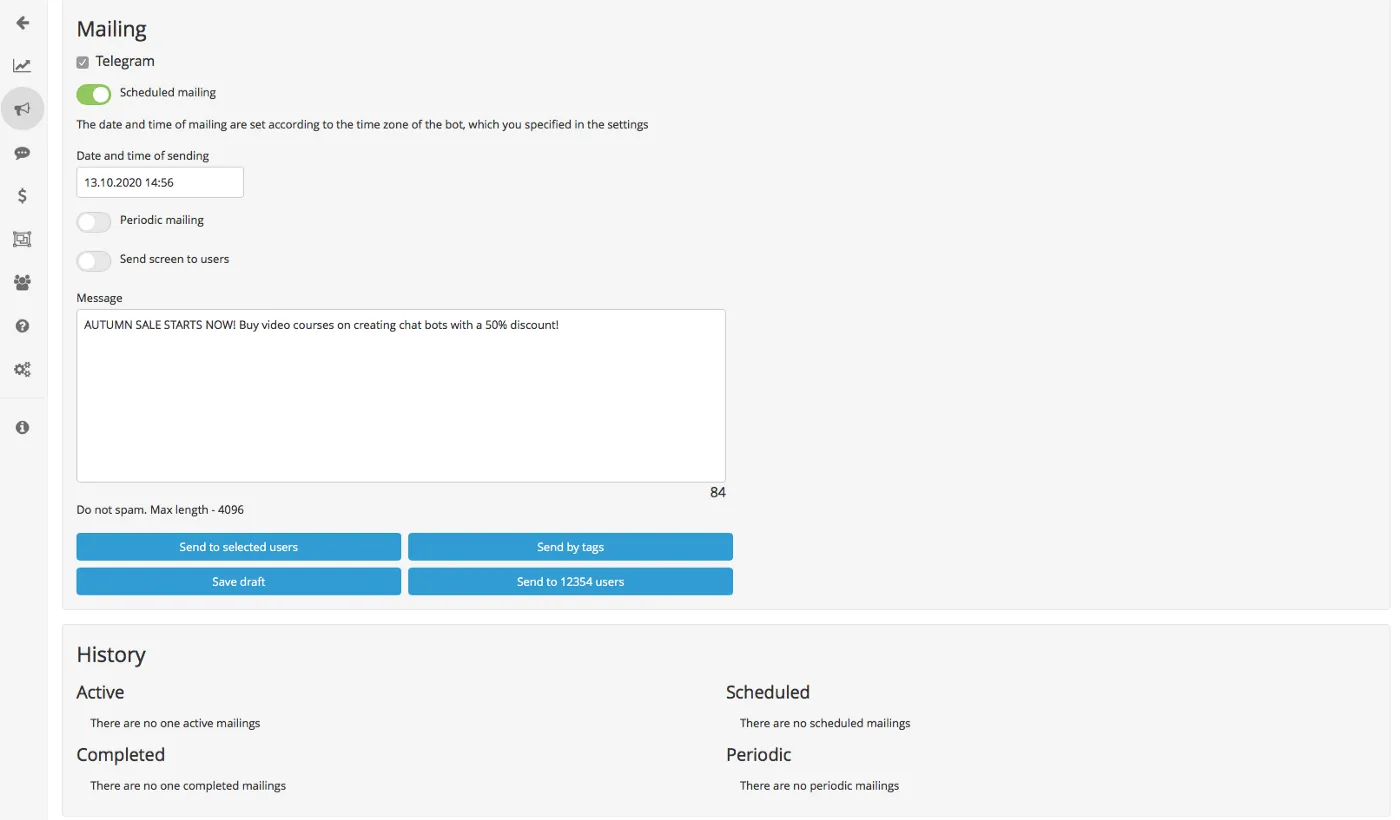
Mailing — reach out to all users or certain groups. Send a newsletter instantly, schedule a delivery for later or set up regular messages.
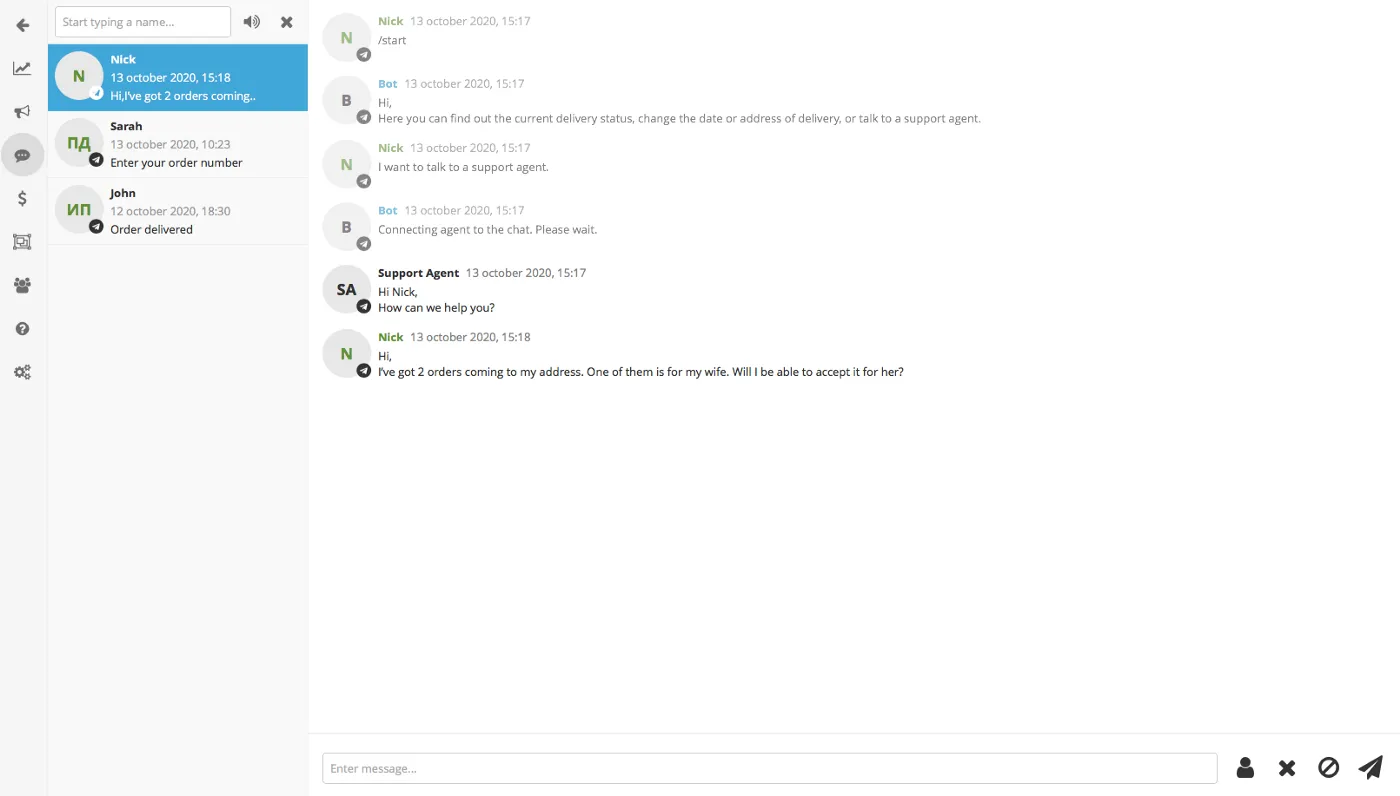
Dialogs — сonnect with your audience.
User state — manage user states by reviewing user actions and replies, quickly search for users by applying label/name/ID filters.
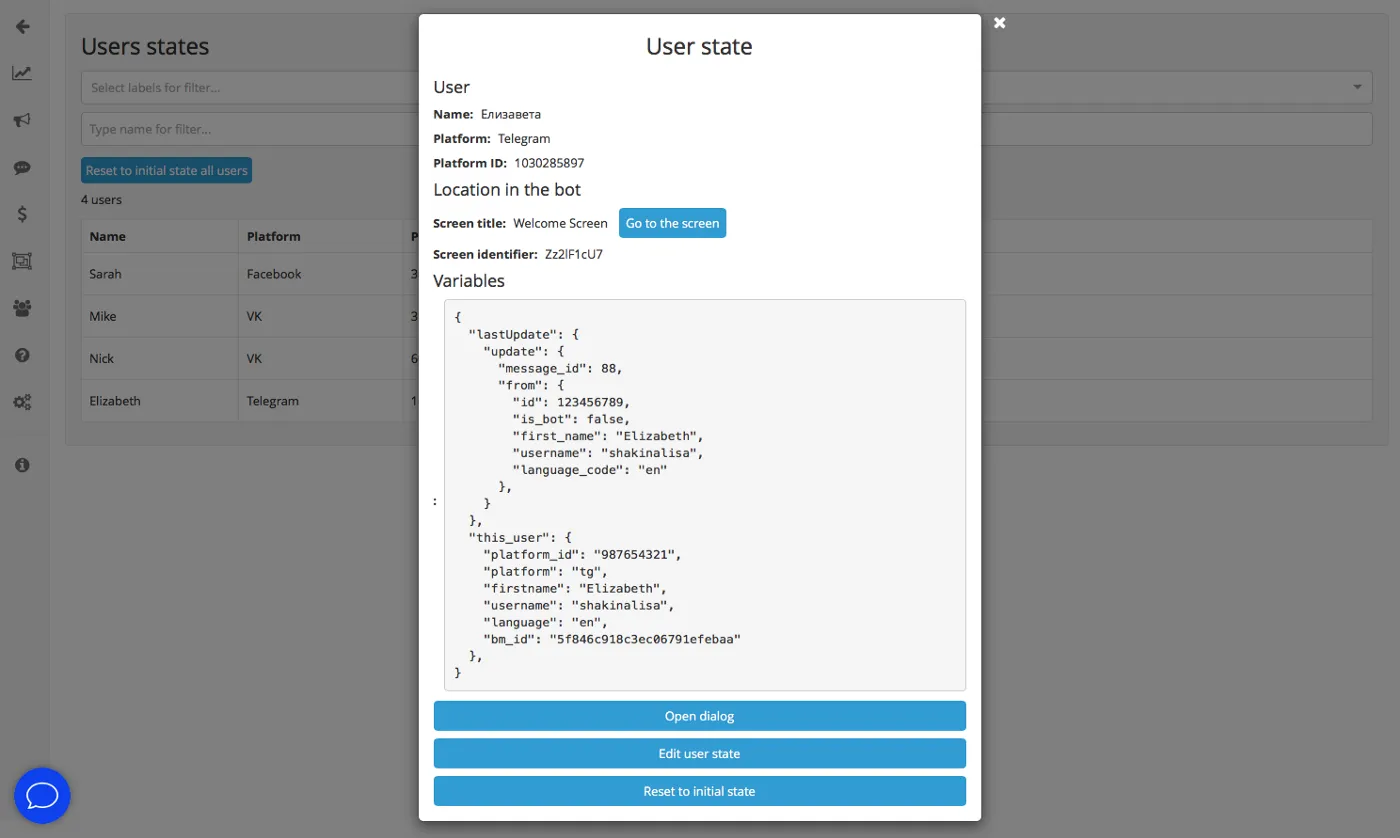
Payments — sell goods and services and get paid immediately inside a messenger (done via the integration with Telegram Payments and other payment systems).
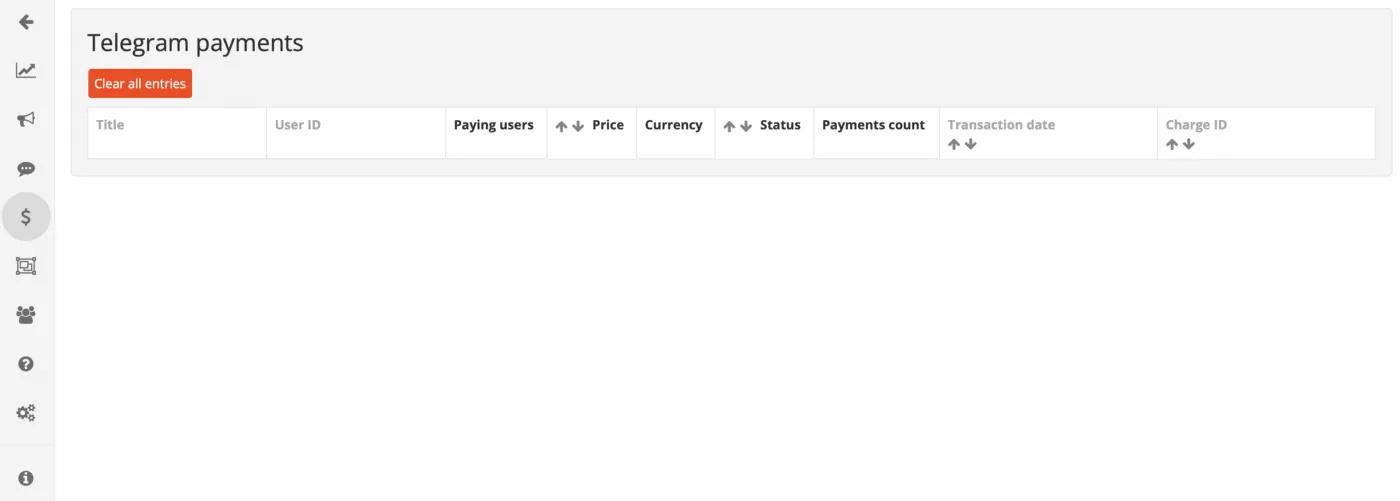
The main components are:
- text messaging and chats with users;
- buttons and navigation;
- media files: image, gallery, audio, video, documents, geolocation;
- notifications (alerts);
- request for user phone number and geolocation;
- integration with Google Sheets, Zapier;
- [advanced] variables, helpers, and arrays;
- [advanced] custom scripts and logging;
- [advanced] API queries, webhooks.